See your tattoo on your skin before you ink it
Upload a photo, place a design, then resize, rotate and fade it until it looks right. Everything runs in your browser.
Your photos are processed in your browser and never uploaded unless you request an AI render.
Or try a template
AI tattoo designer
Describe your idea in one sentence and AI draws 2 original designs you can try on right away.
Log in and verify your email to try it free once.
Put your cat, dog or partner on your skin
Click an example to try it on the body, or turn your own photo into tattoo line art.
Use your own photo
Converted in your browser. Works best with a centred subject and plain background.
Sample designs
See it on skin before you commit
Drag the slider on each example: the left side is the bare skin, the right side is the same photo with the tattoo rendered on it.
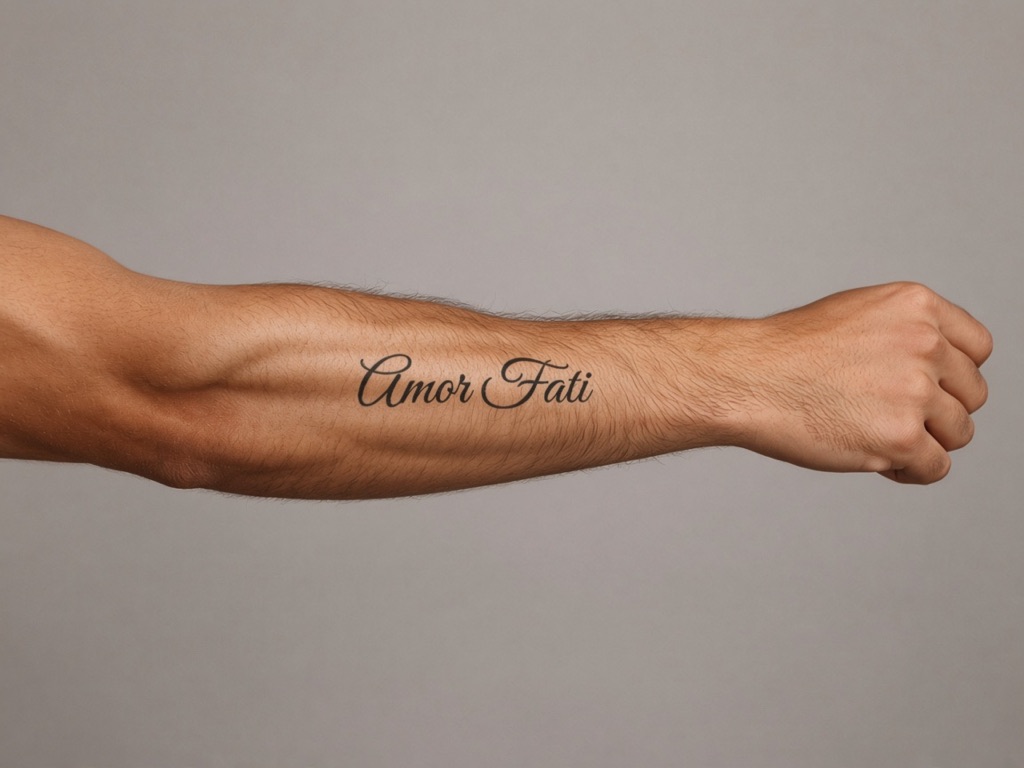
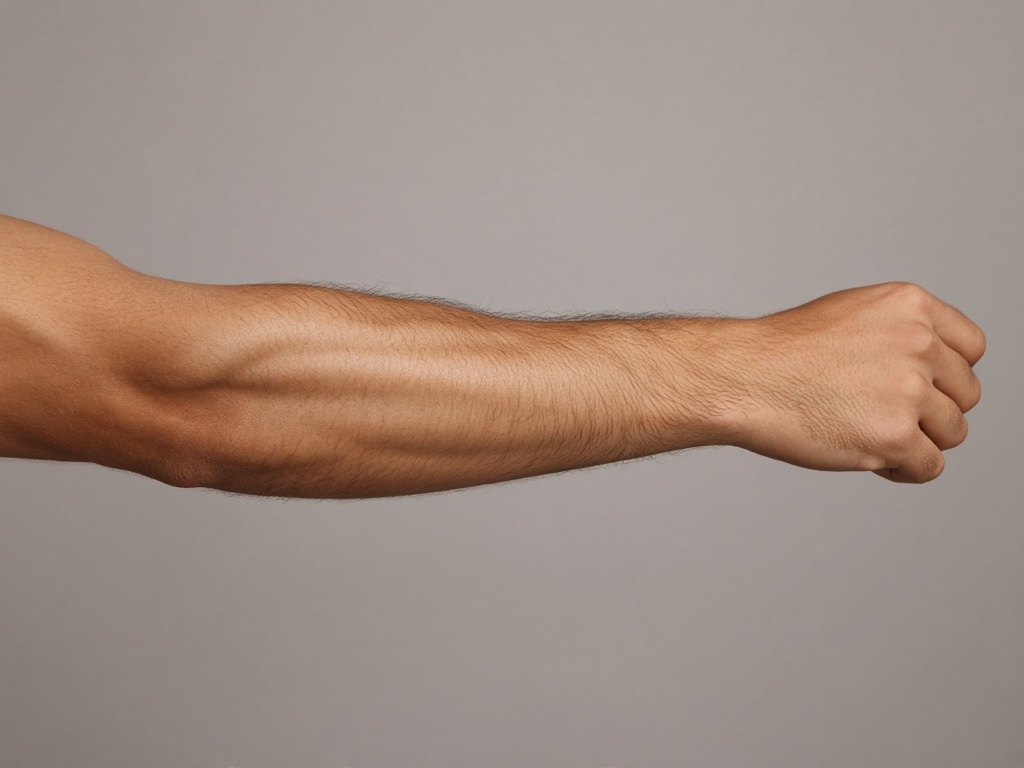 Without tattooWith tattoo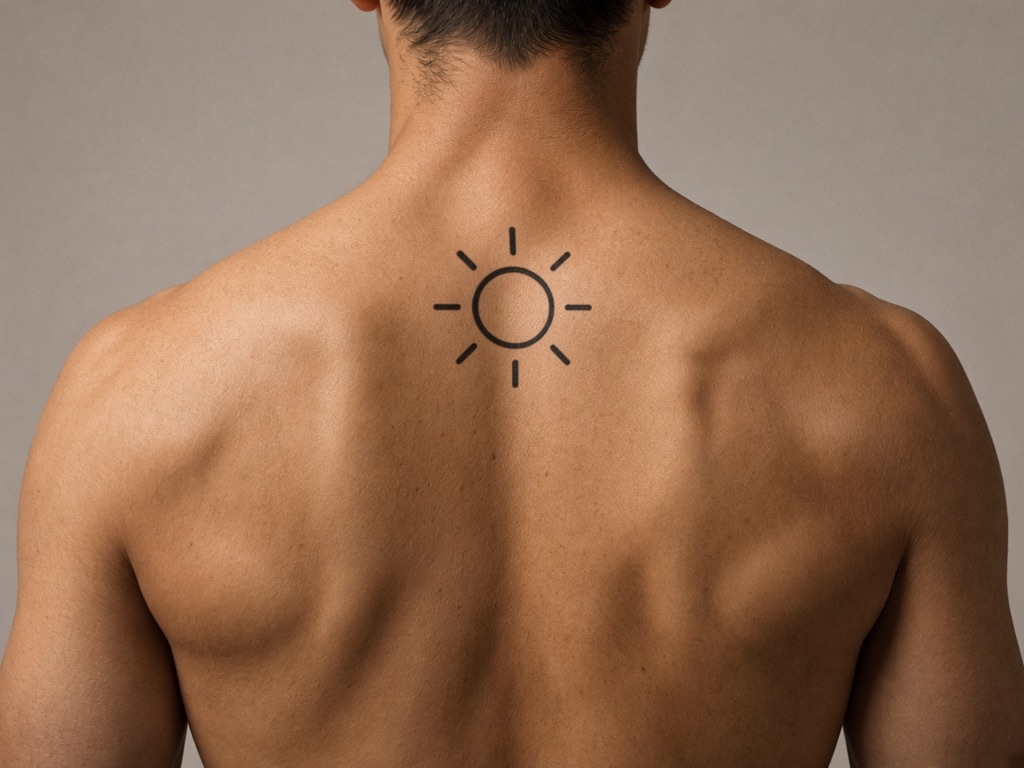
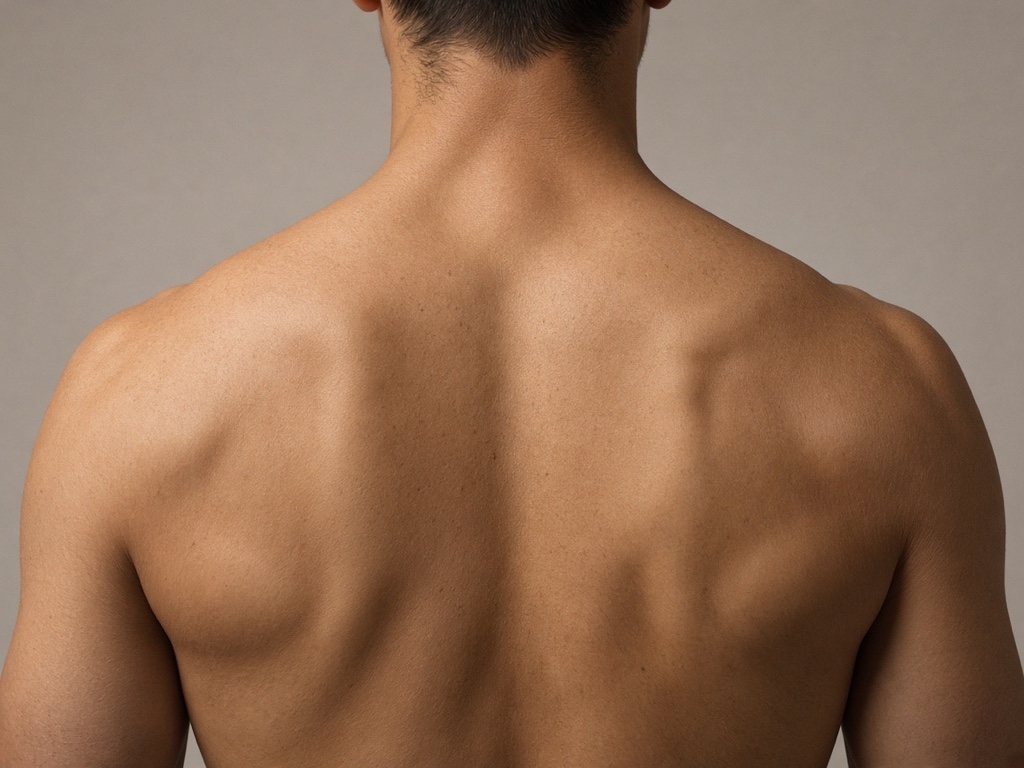 Without tattooWith tattoo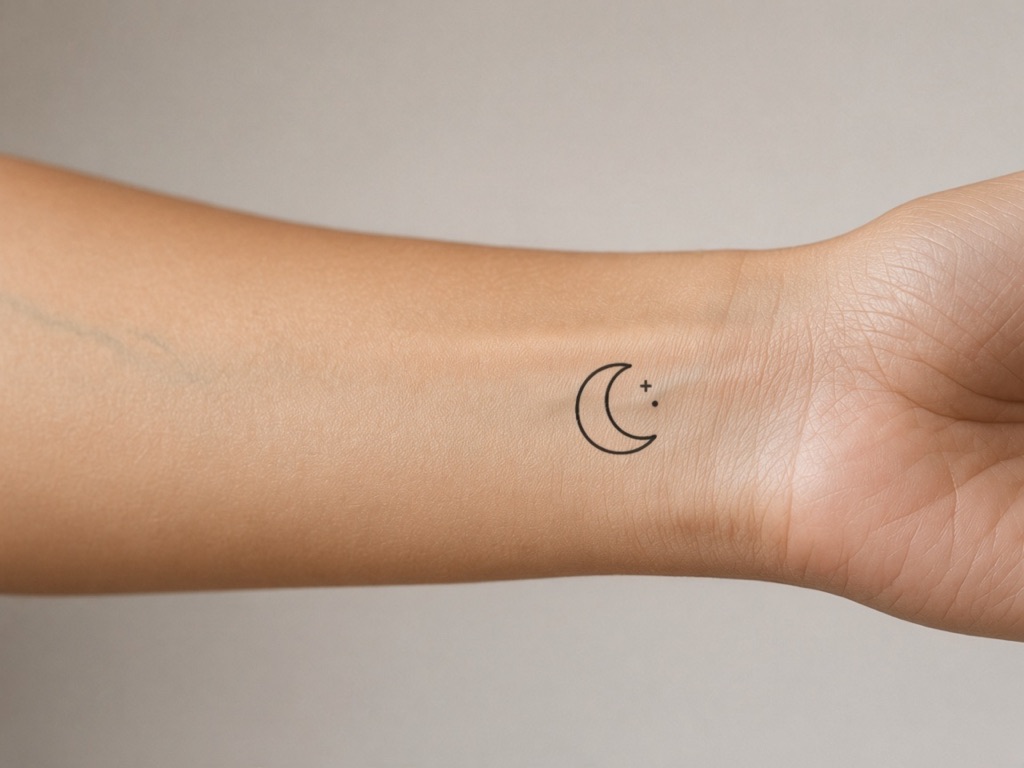
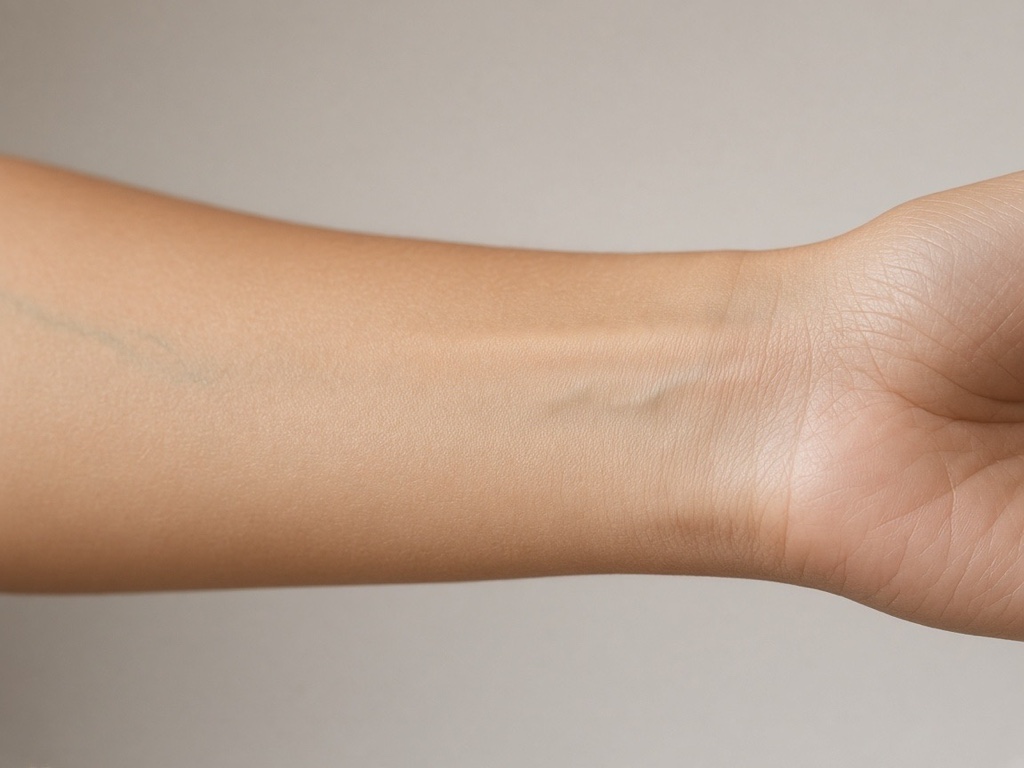 Without tattooWith tattoo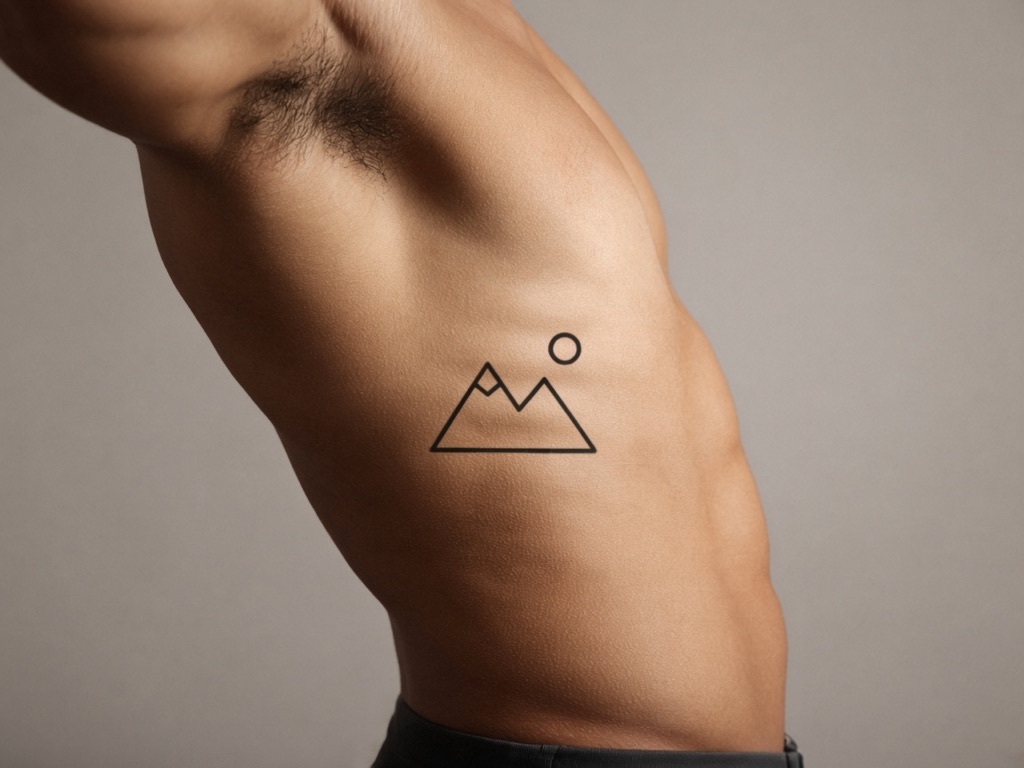
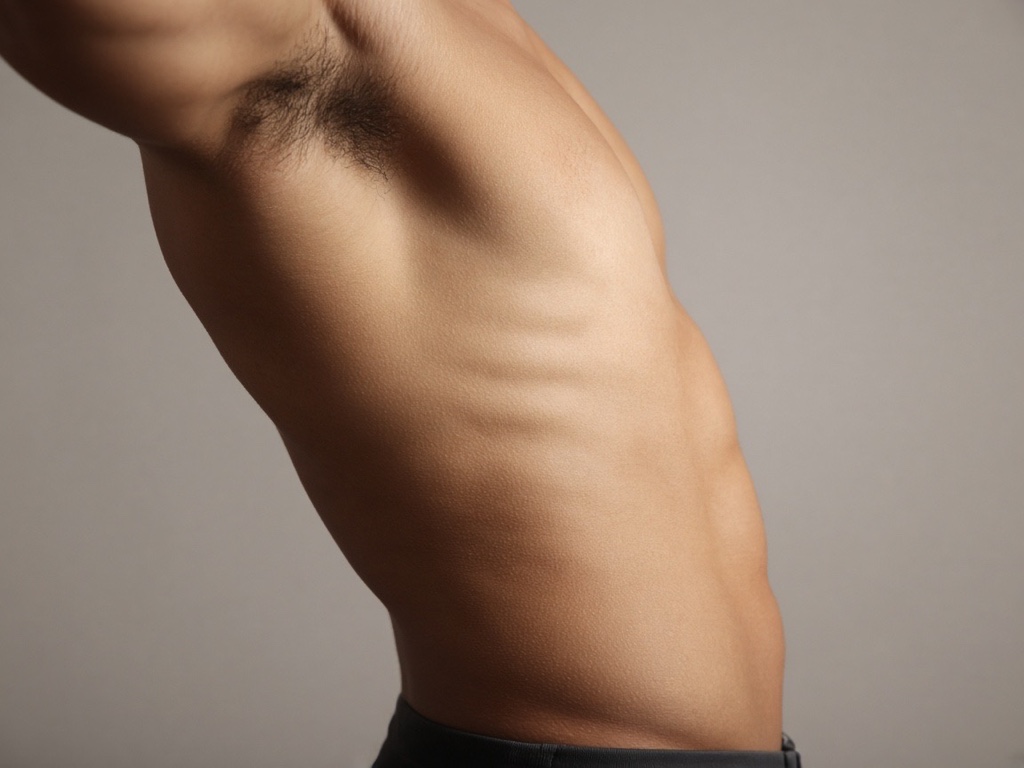 Without tattooWith tattoo
Sample results made with Tattoo Preview templates. Results vary with your photo's lighting and resolution.
Preview by placement
Each placement comes with a matching template, size guide and pain level.
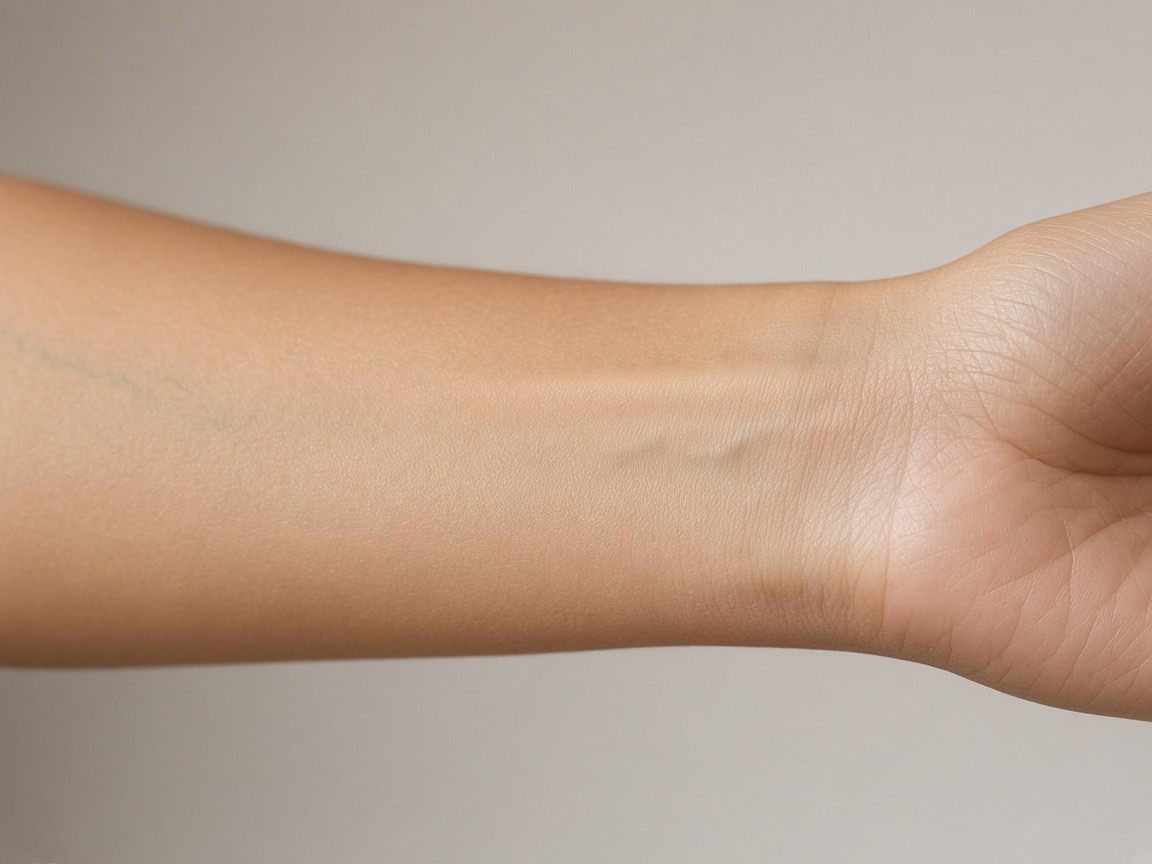
Wrist
2–6 cm (about 1–2.5 in)
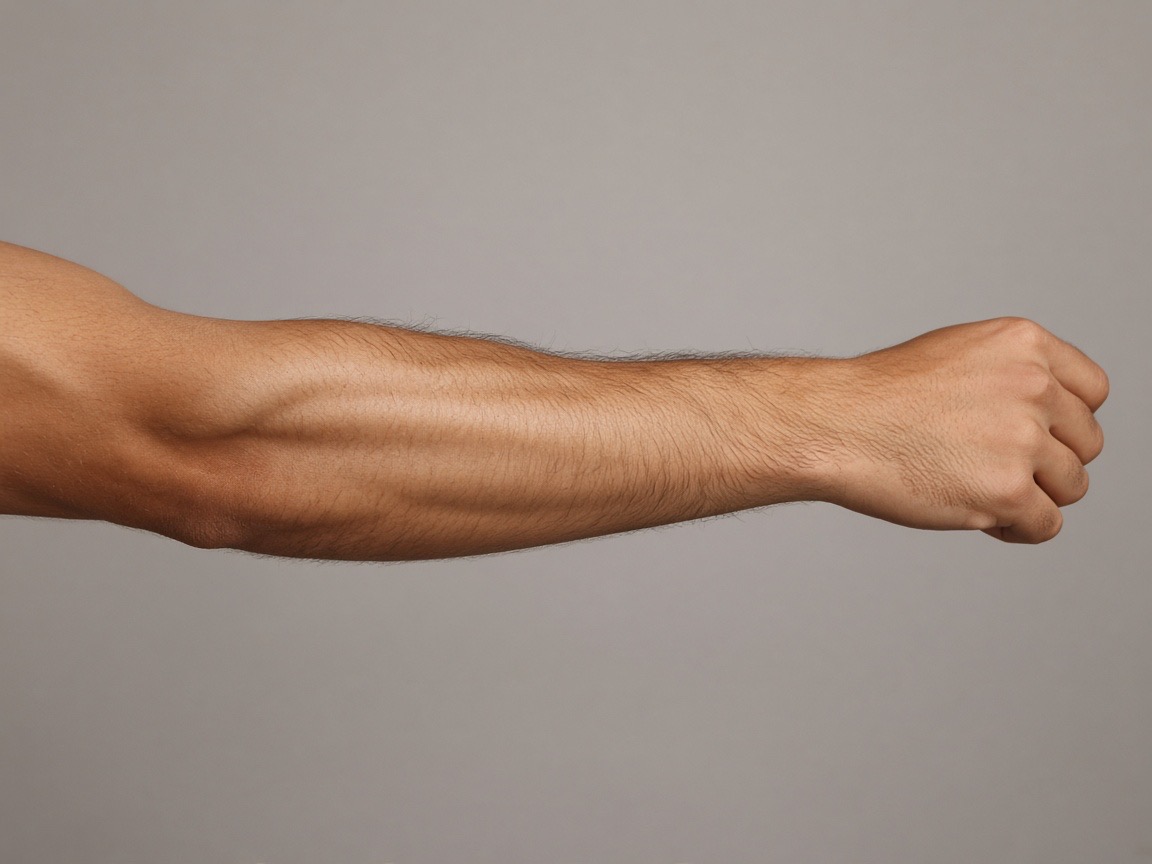
Forearm
5–20 cm (2–8 in)
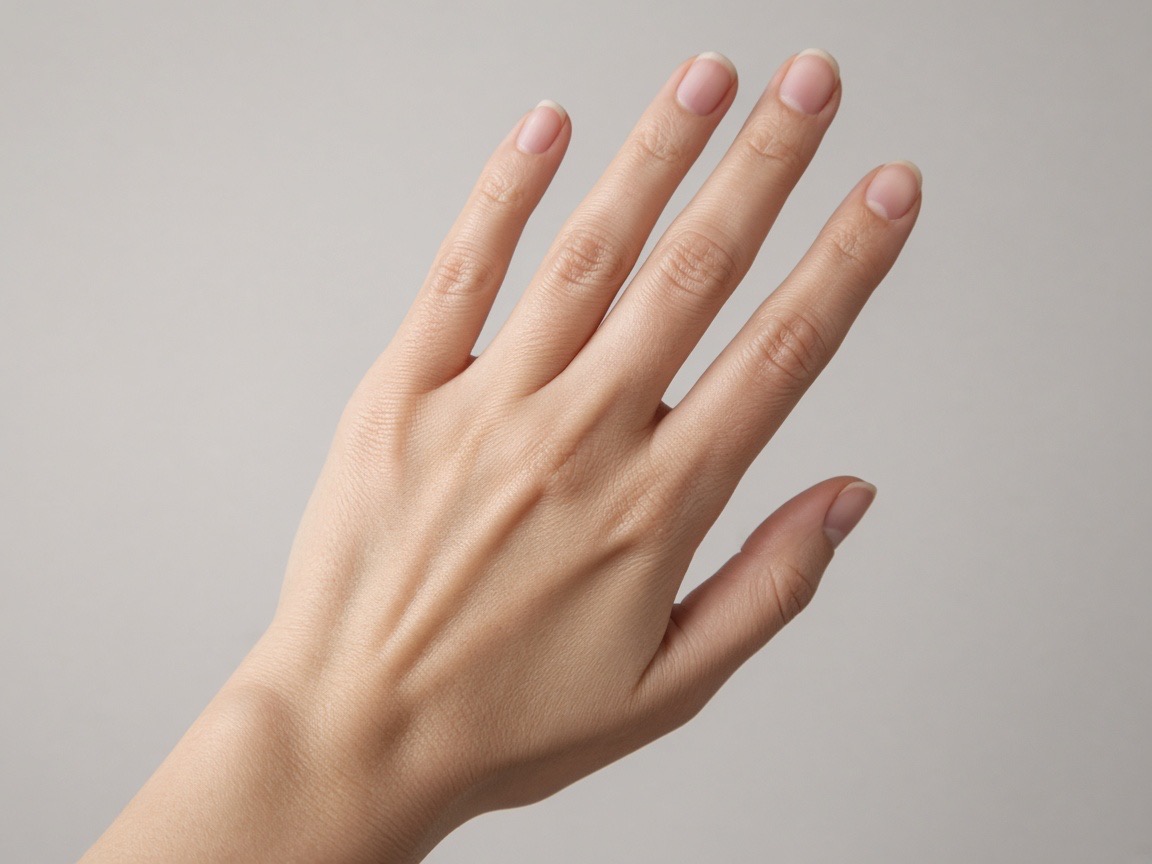
Finger
0.5–2 cm
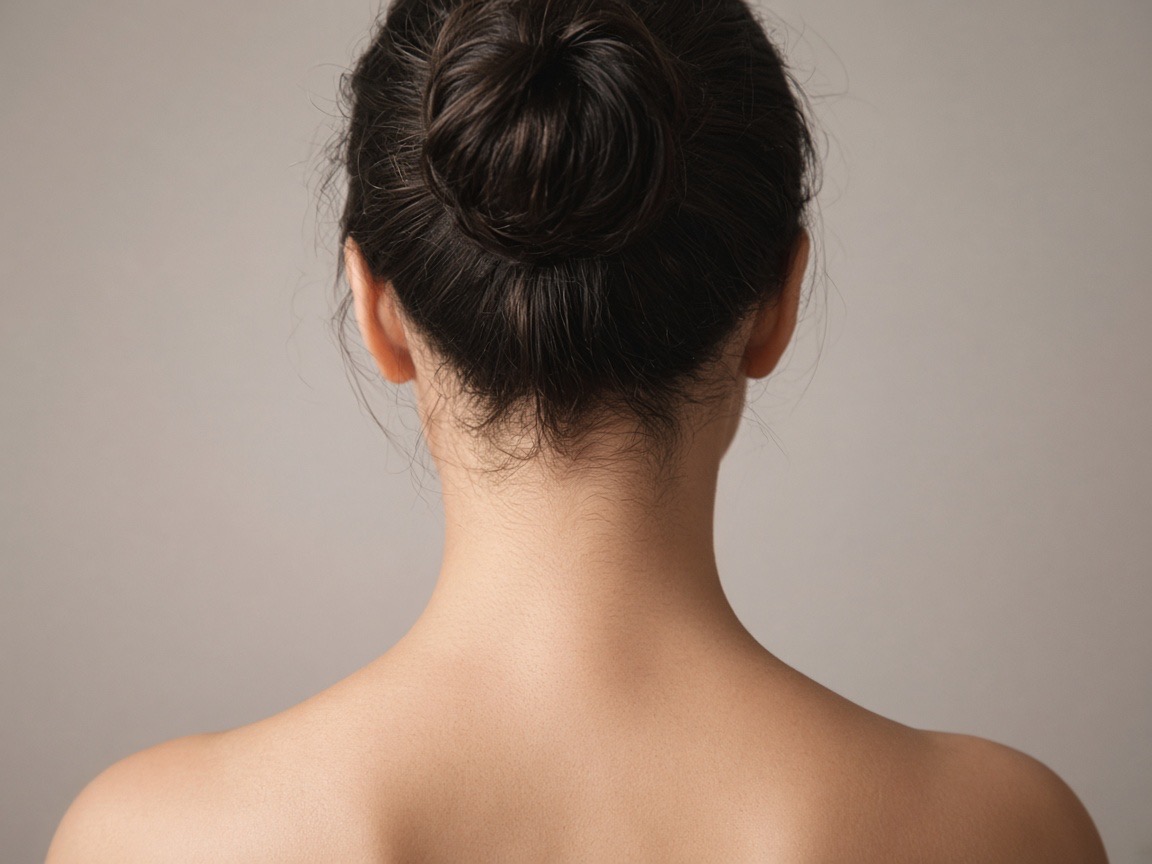
Neck
3–10 cm (nape or side)
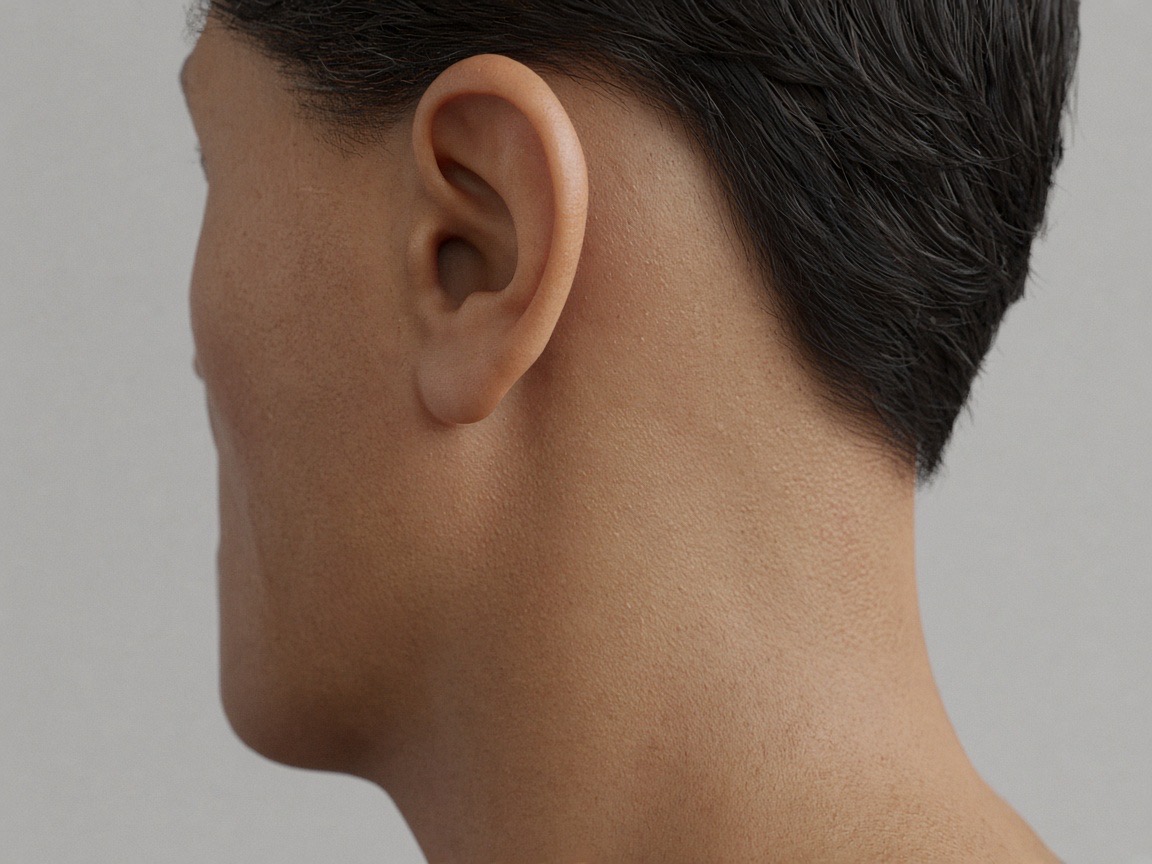
Behind the ear
1–4 cm
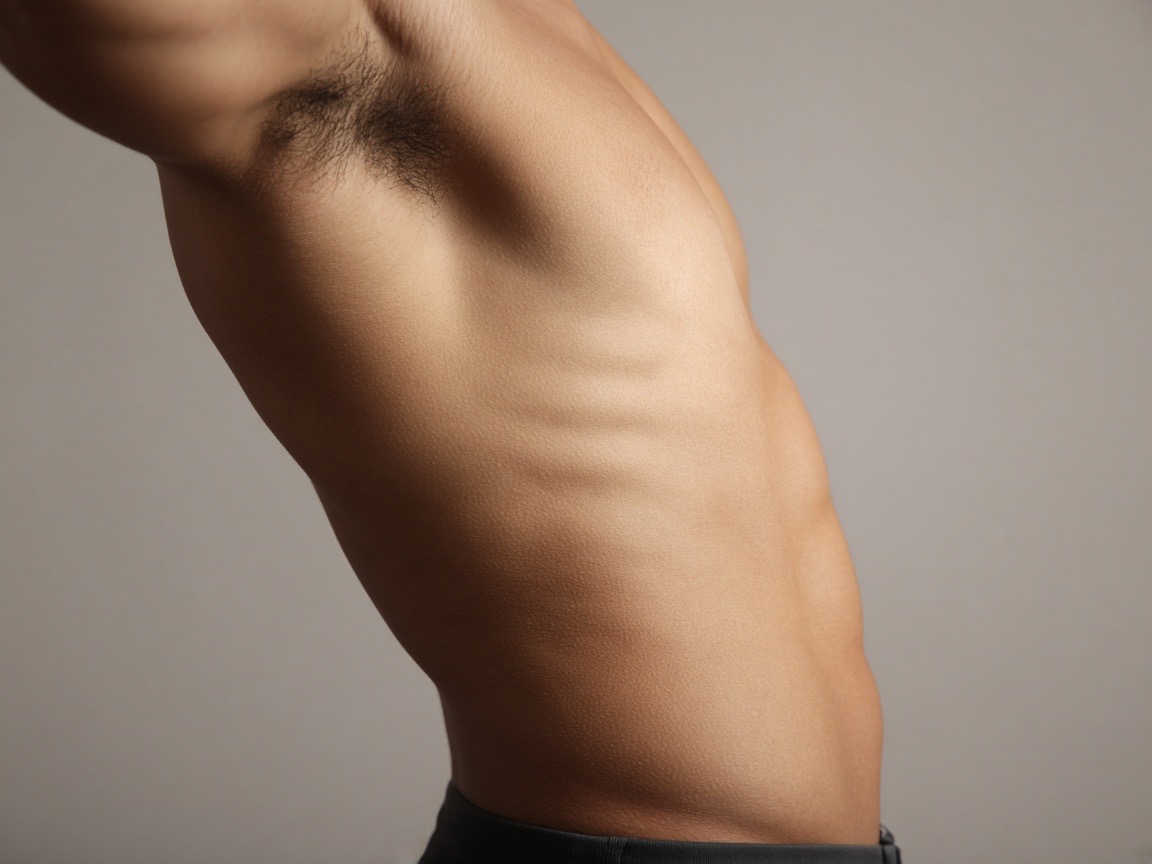
Ribs
10–30 cm
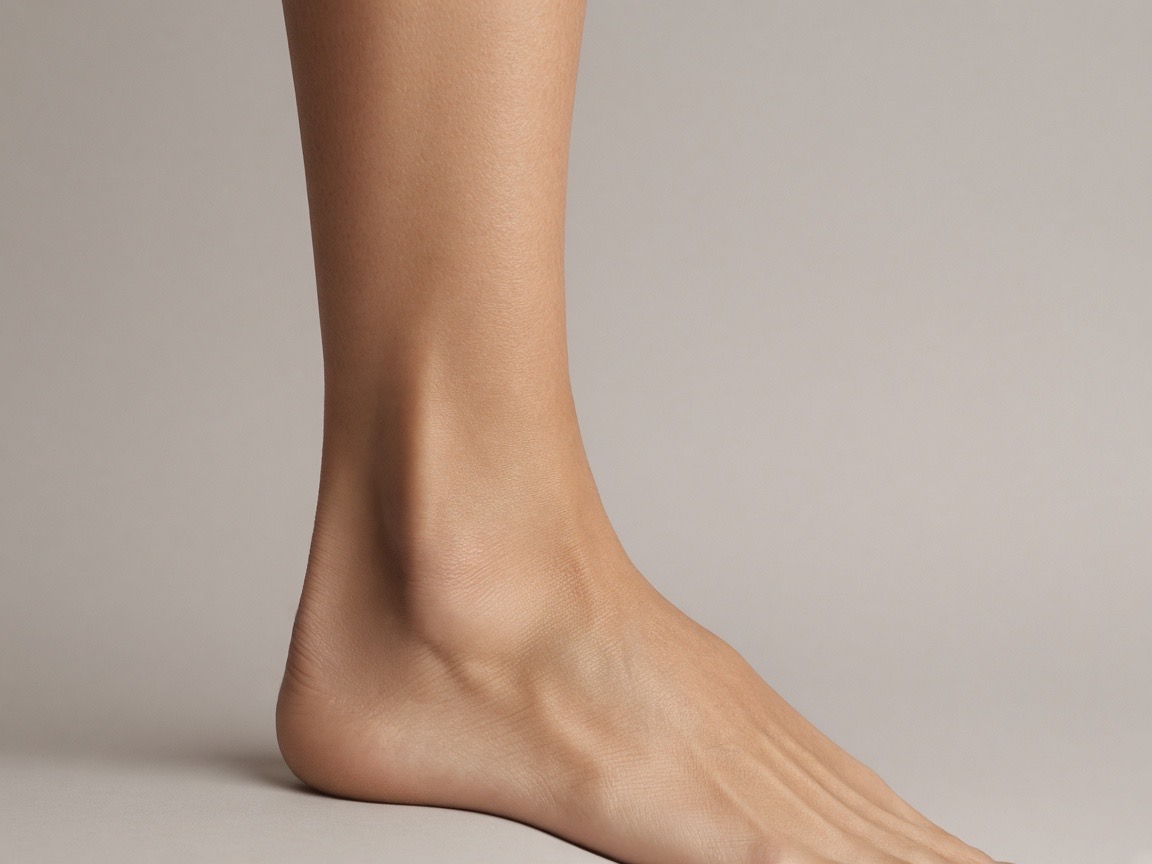
Ankle
3–8 cm
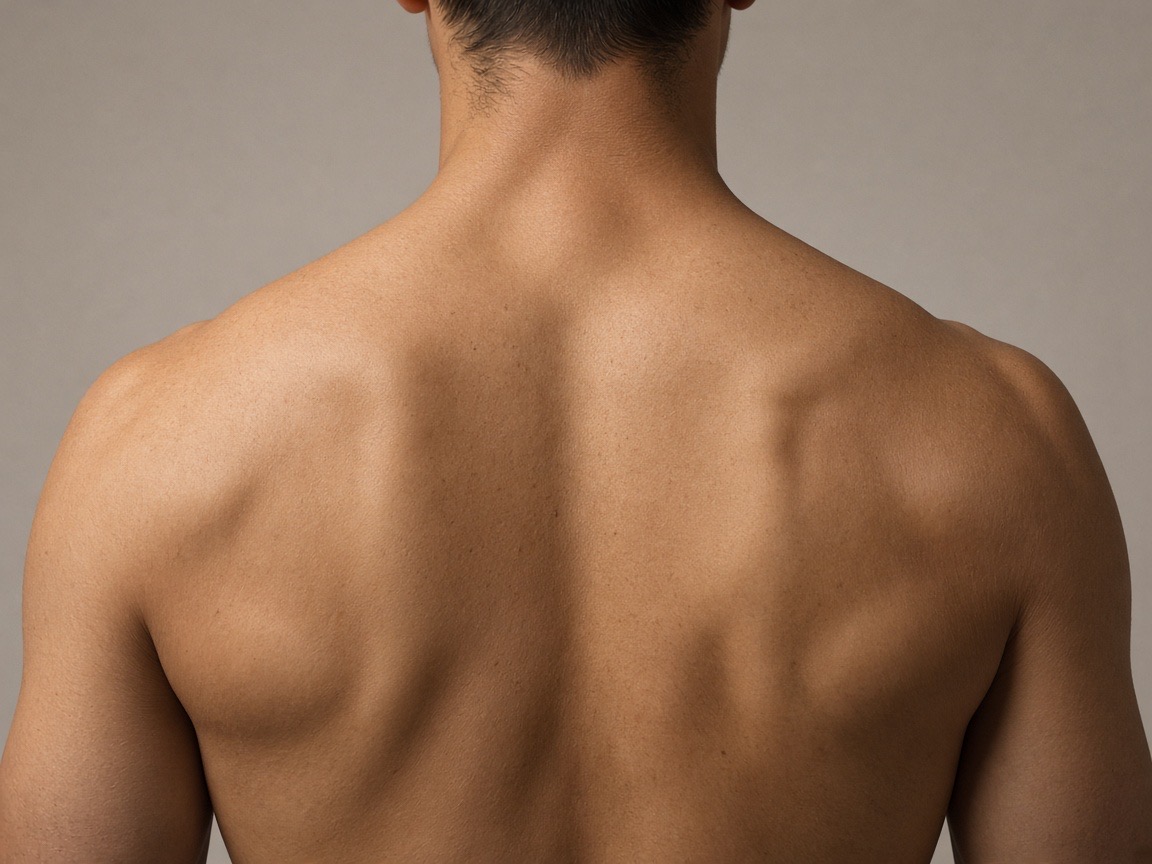
Shoulder & upper back
8–25 cm
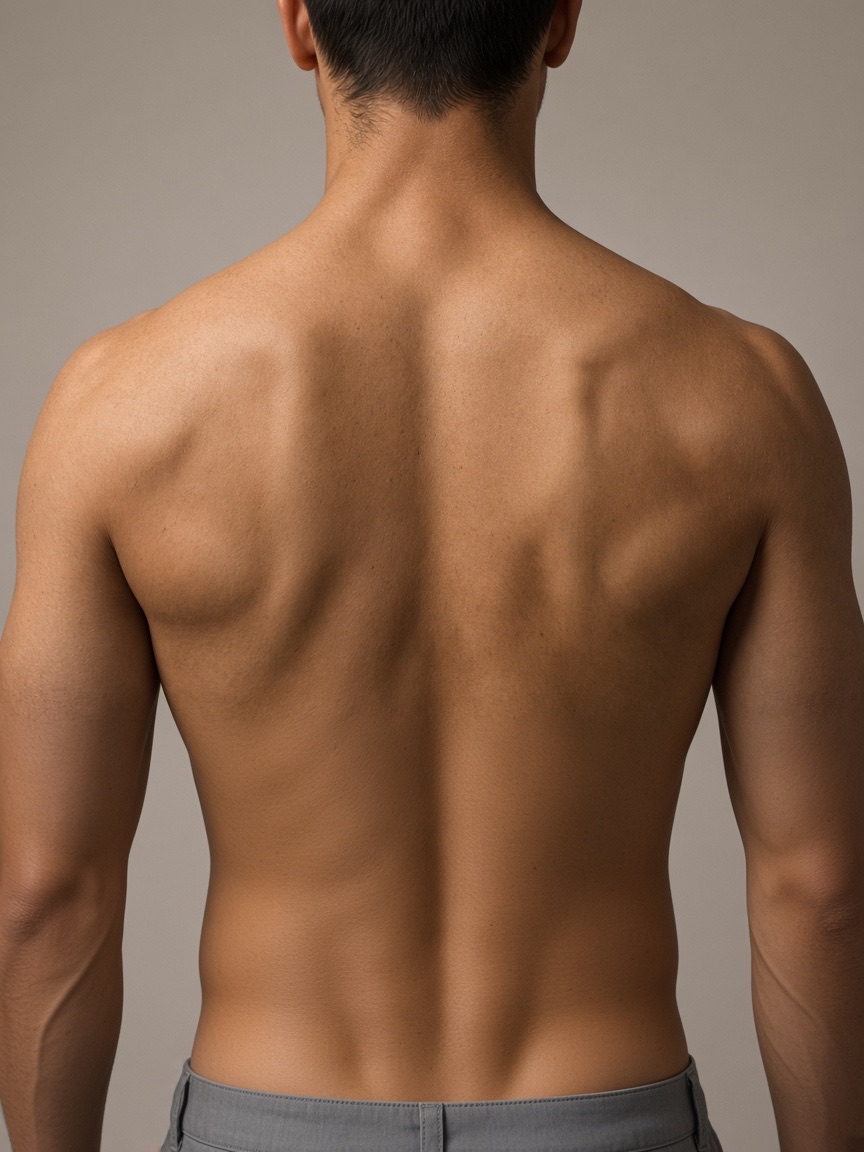
Full back piece
35–60 cm (neck to waist)
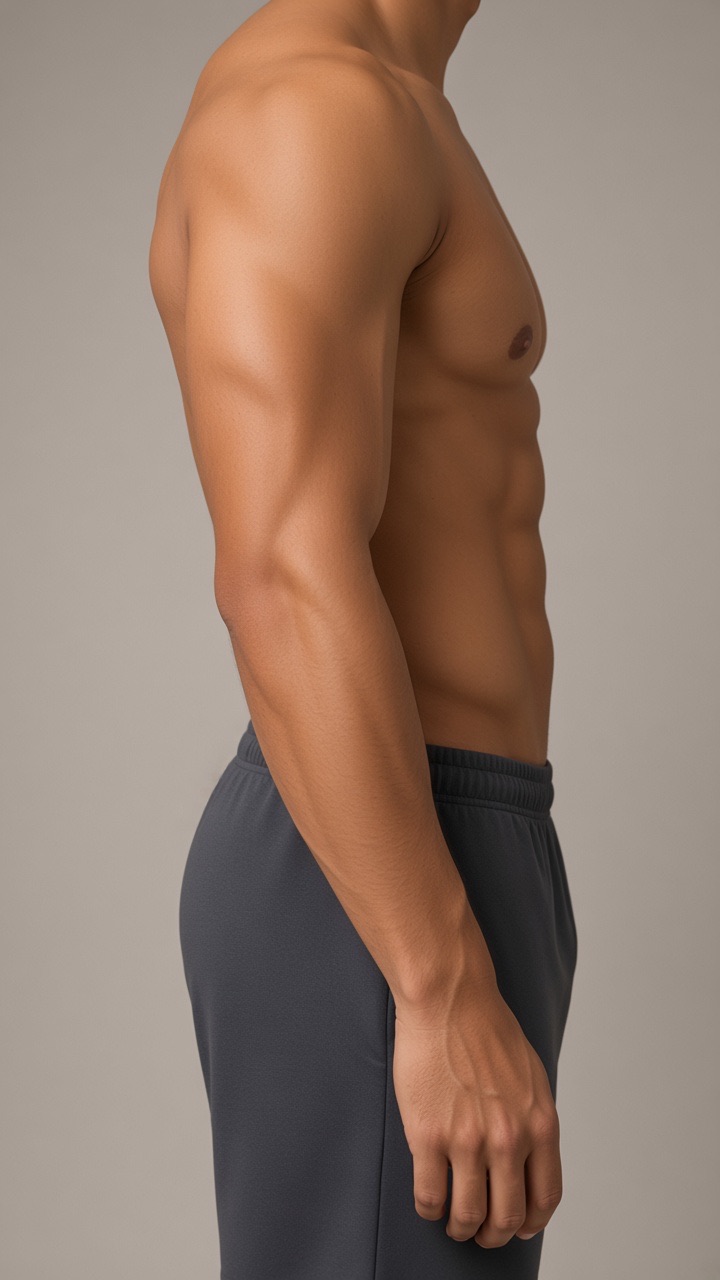
Full sleeve
Shoulder to wrist, about 55–70 cm
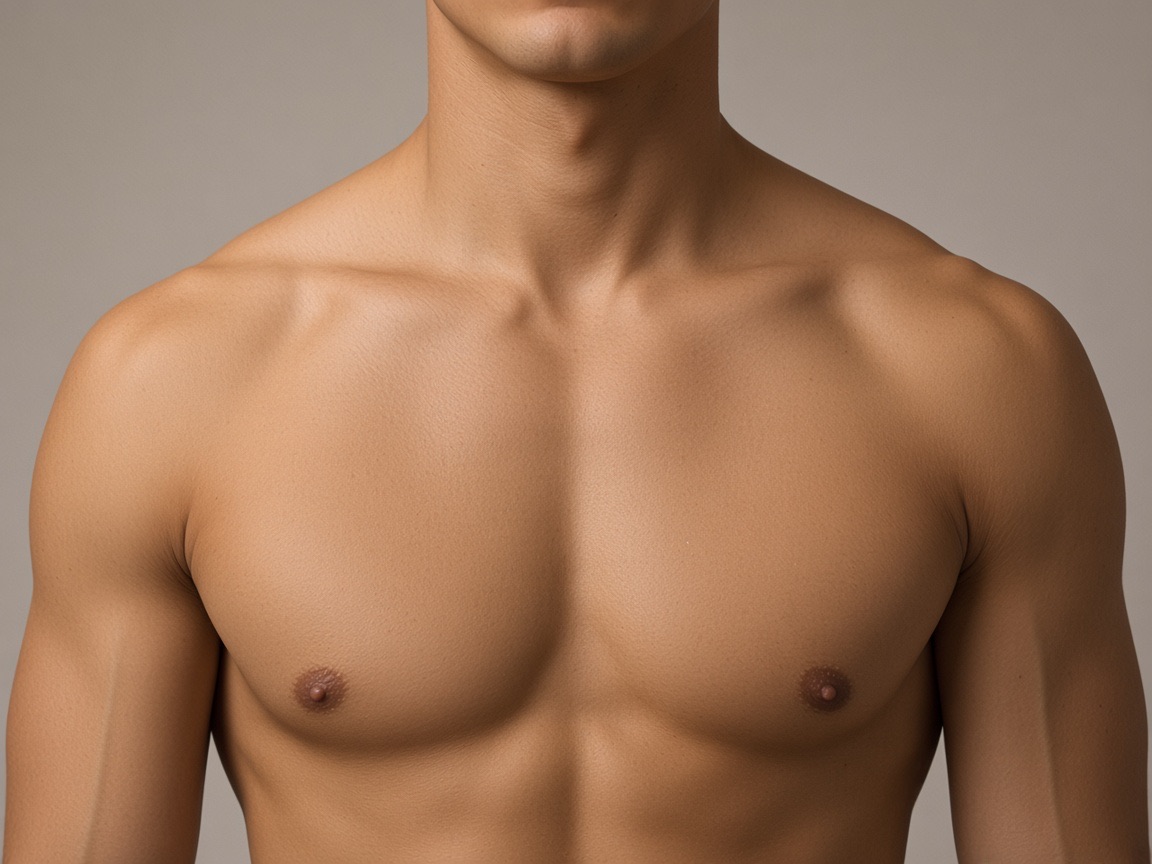
Chest piece
20–40 cm across
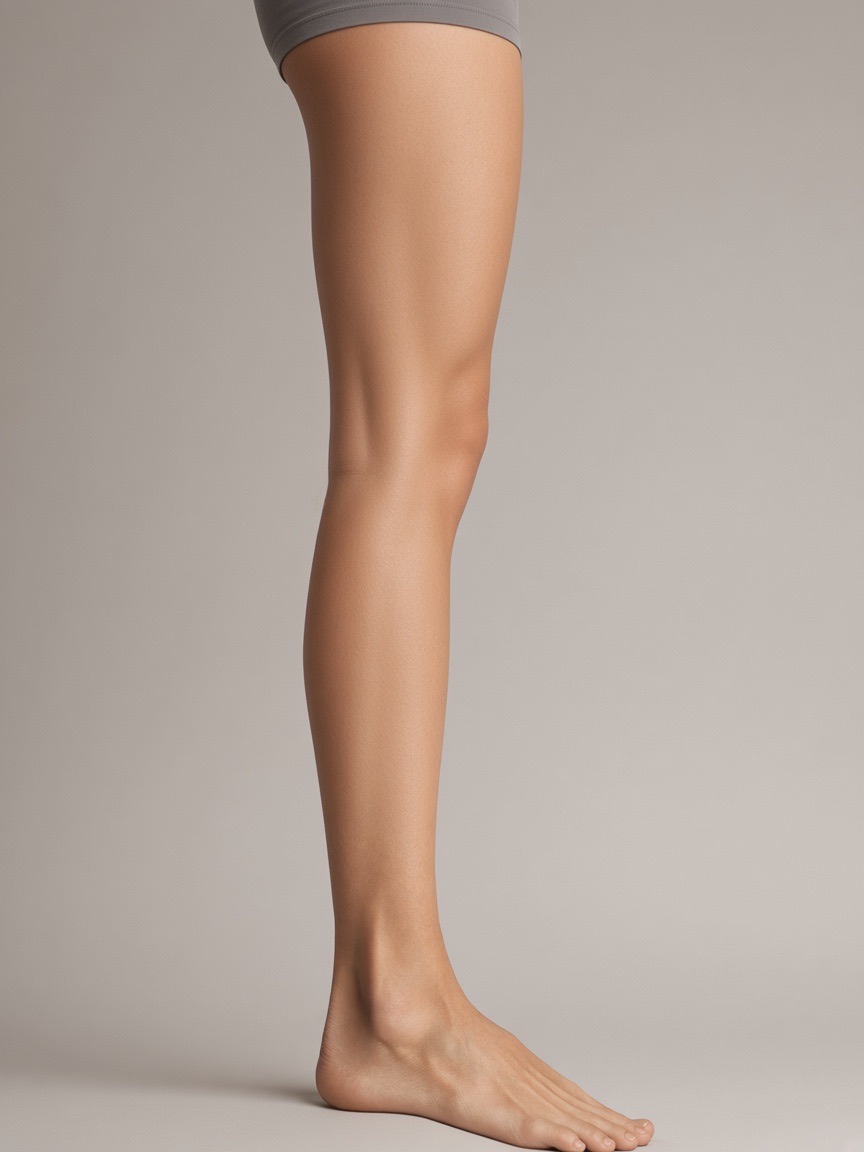
Thigh & leg
15–45 cm on the thigh
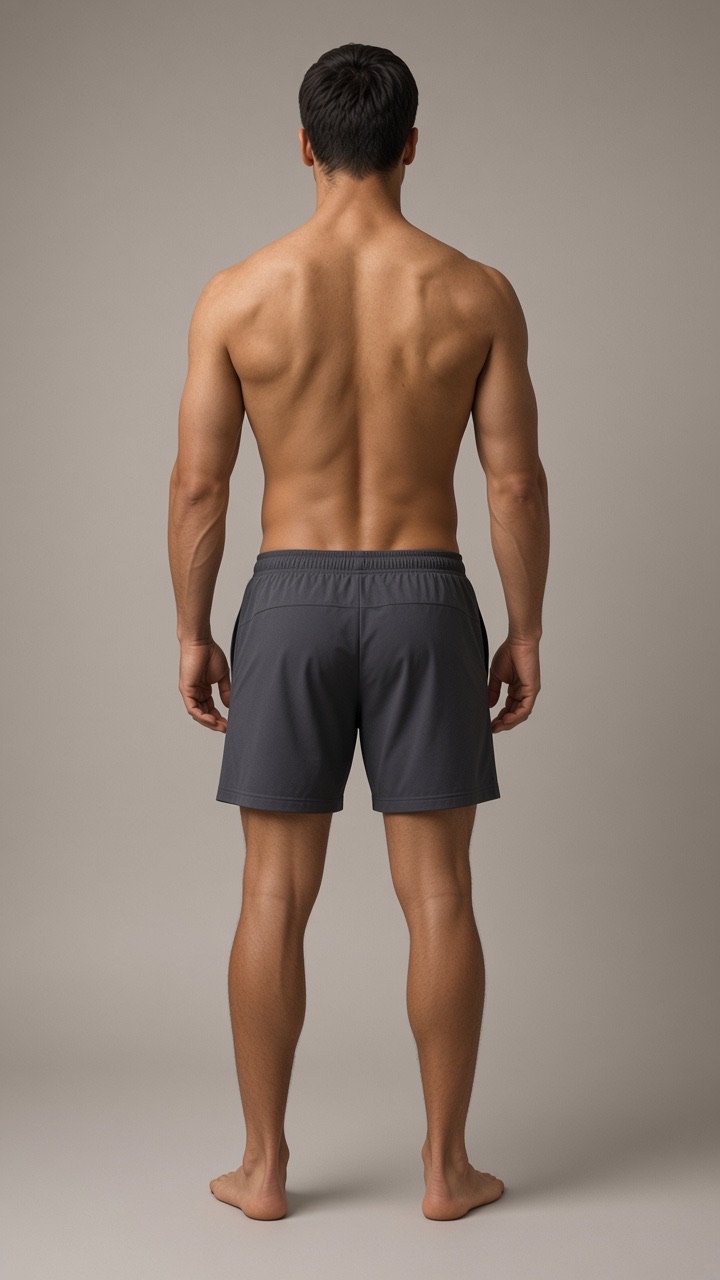
Full body (back)
Any size, see the whole layout
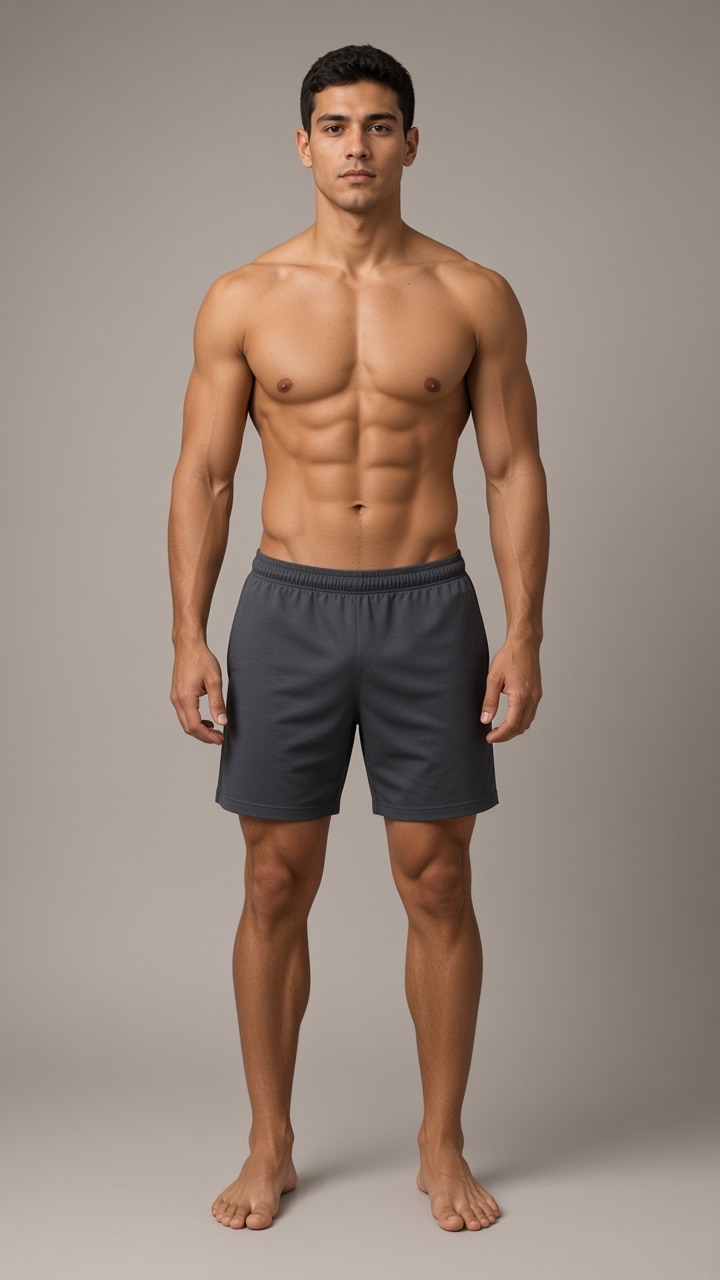
Full body (front)
Any size, see the whole layout
Name & text tattoos
Type a name or quote and compare script, gothic and typewriter fonts on your skin.
Chinese character tattoos
Brush-calligraphy characters, vertical phrases and classic motifs like clouds, yin-yang, lotus and koi, each with its meaning.
Cover-up preview
Photograph the old tattoo and test designs dark enough to hide it.
Full body & large pieces
Back pieces, sleeves, chest and thigh: see dragons, phoenixes and multi-piece layouts on a full-body photo.
Want it to look real? Try the AI render
The overlay is free forever. When you want to see healed ink with skin texture and lighting, an AI render made with Google's Nano Banana (Gemini 2.5 Flash Image) model turns your mockup into a realistic photo.
Pay once, render when you need it
Previewing is always free. Credits are only for realistic AI renders made with Google's Nano Banana (Gemini 2.5 Flash Image) model, at 10 credits each.
$4.99
one-time
300 credits
30 AI renders
$0.17 per render
Credits never expire
$9.99
one-time
700 credits
70 AI renders
$0.14 per render
Credits never expire
$19.99
one-time
1600 credits
160 AI renders
$0.12 per render
Credits never expire
No subscription. The overlay editor, downloads and every placement page stay free.
Frequently asked questions
Everything about previewing tattoos and AI renders.
Get in touch
Questions about renders, credits, refunds or your data, or ideas for new features? Email us and we'll reply within 2 business days.
support@tattoospreview.com