
Where to put your first tattoo
Eight placements ranked for visibility, pain and forgiveness, plus the three spots most first tattoos regret.
7 min read
Where should I get my first tattoo?
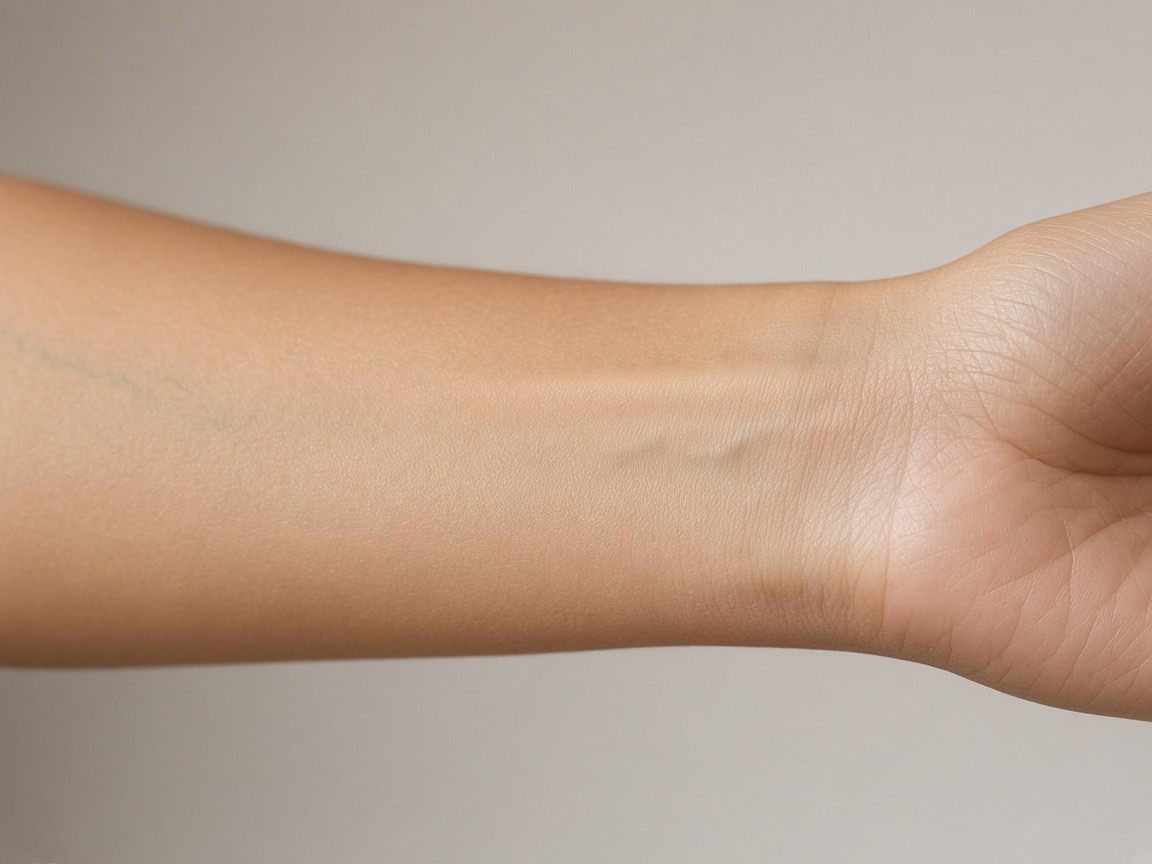
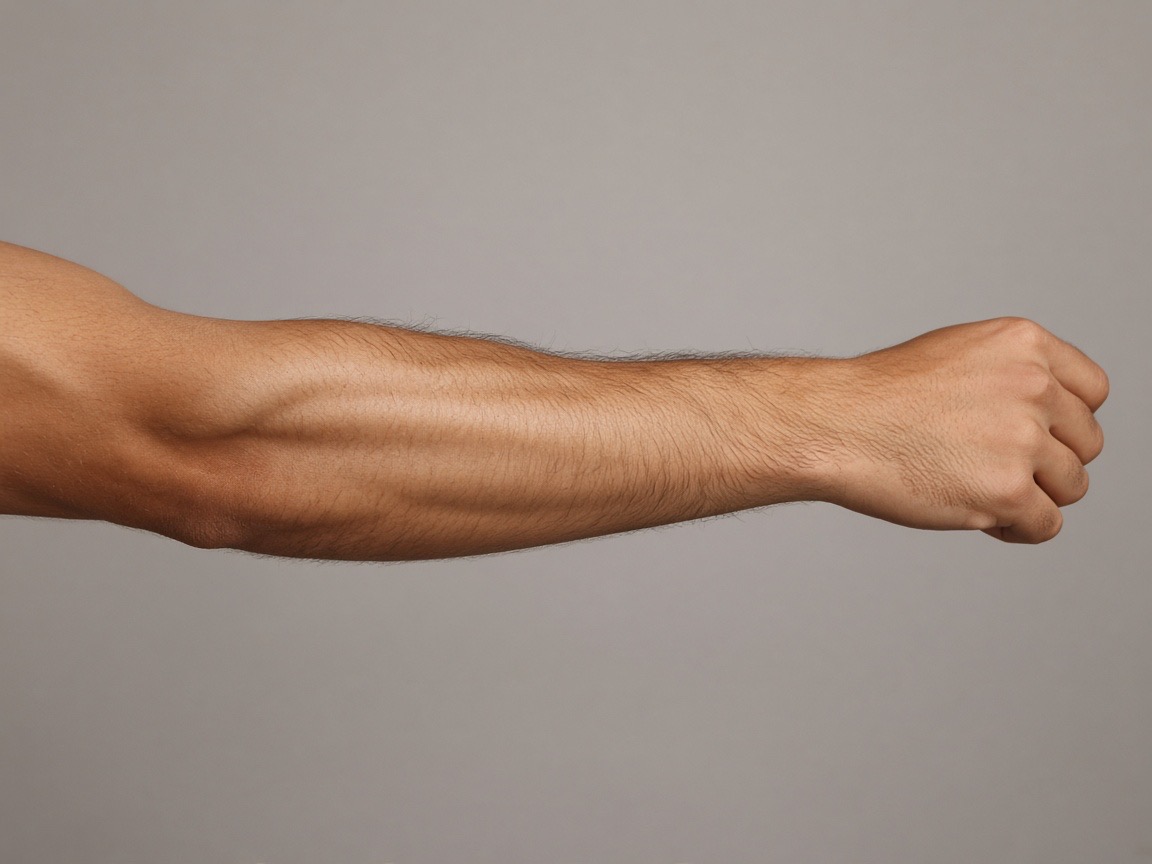
For a first tattoo, the best placement is one that is large enough for your design, easy to hide at work, and in a spot you can see often enough to notice it healing. The inner forearm, upper arm and calf are the usual answers because they combine all three. Avoid highly visible spots such as the hands, neck and fingers until you have done at least one large piece.
Try it while you read
Use the tool below to upload a photo and place a design at the size discussed here. Free, no signup.
Open the preview toolWhich placements hurt the least?
Pain ranking follows how close the skin is to bone and how many nerve endings are nearby. The least painful areas for large work are the outer thigh, outer upper arm, calf and the fleshy part of the forearm. The most painful are the collarbone, sternum, ribs and the inside of the elbow. Placement only changes the pain a little, not the order.
Which placements hide small mistakes best?
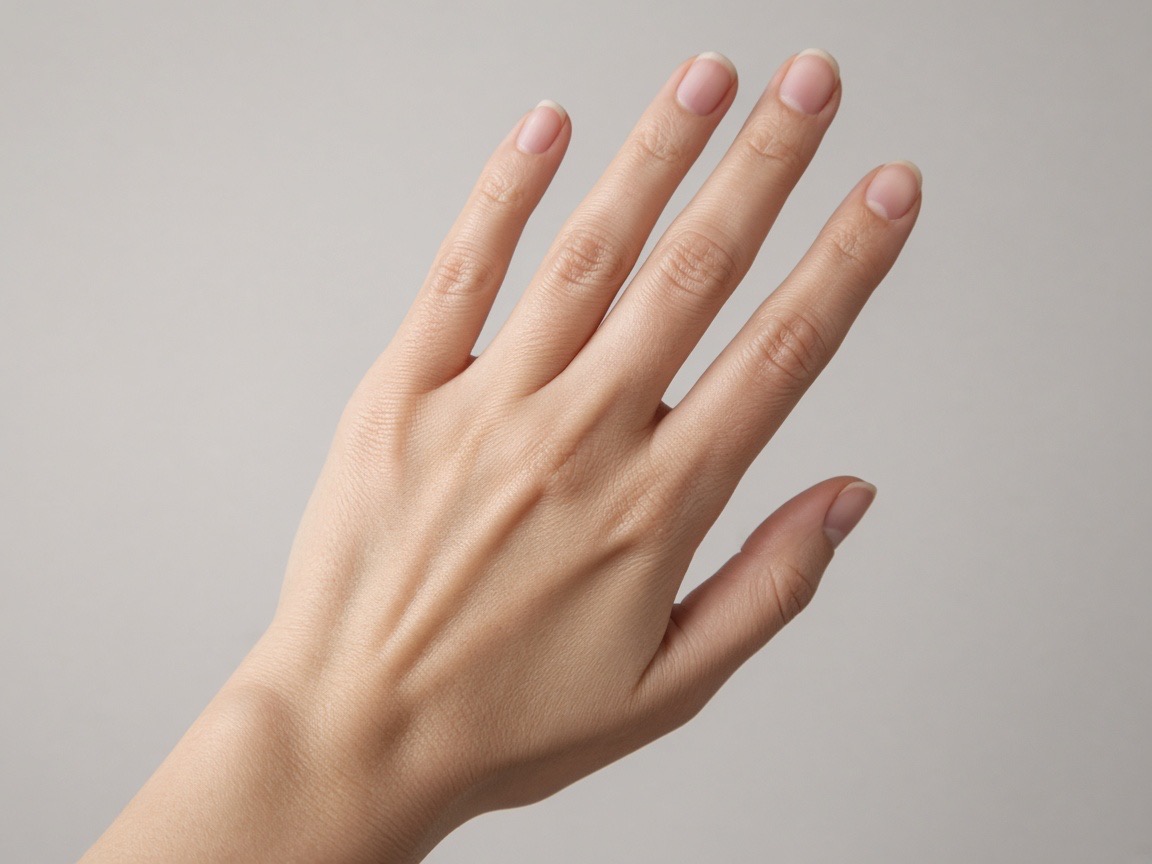
Curved, fleshy, less-watched areas forgive errors best. A forearm or thigh piece can be redrawn or extended later if the spacing is off, and nobody scrutinises it. Finger, hand and neck tattoos are unforgiving: a thin line that spreads after healing is permanent there, and those areas are constantly in view.
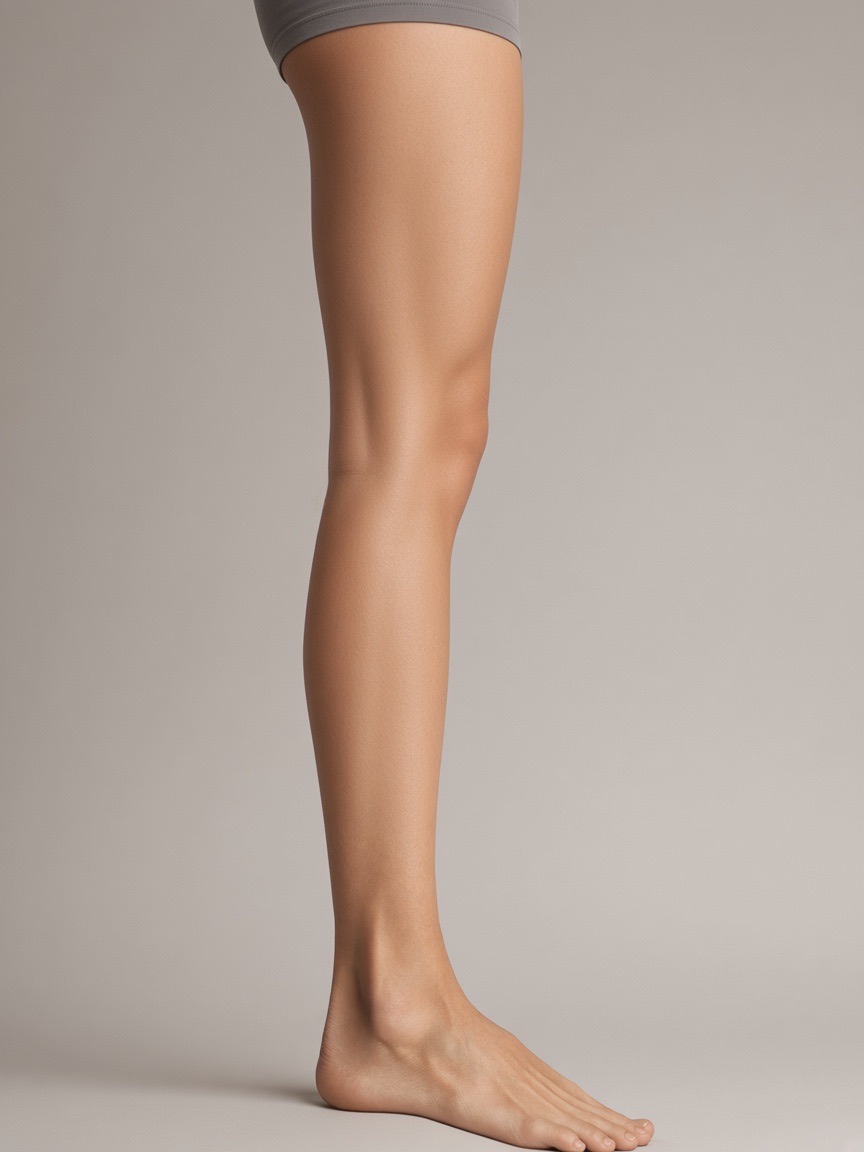
- Most forgiving: inner forearm, upper arm, calf, thigh
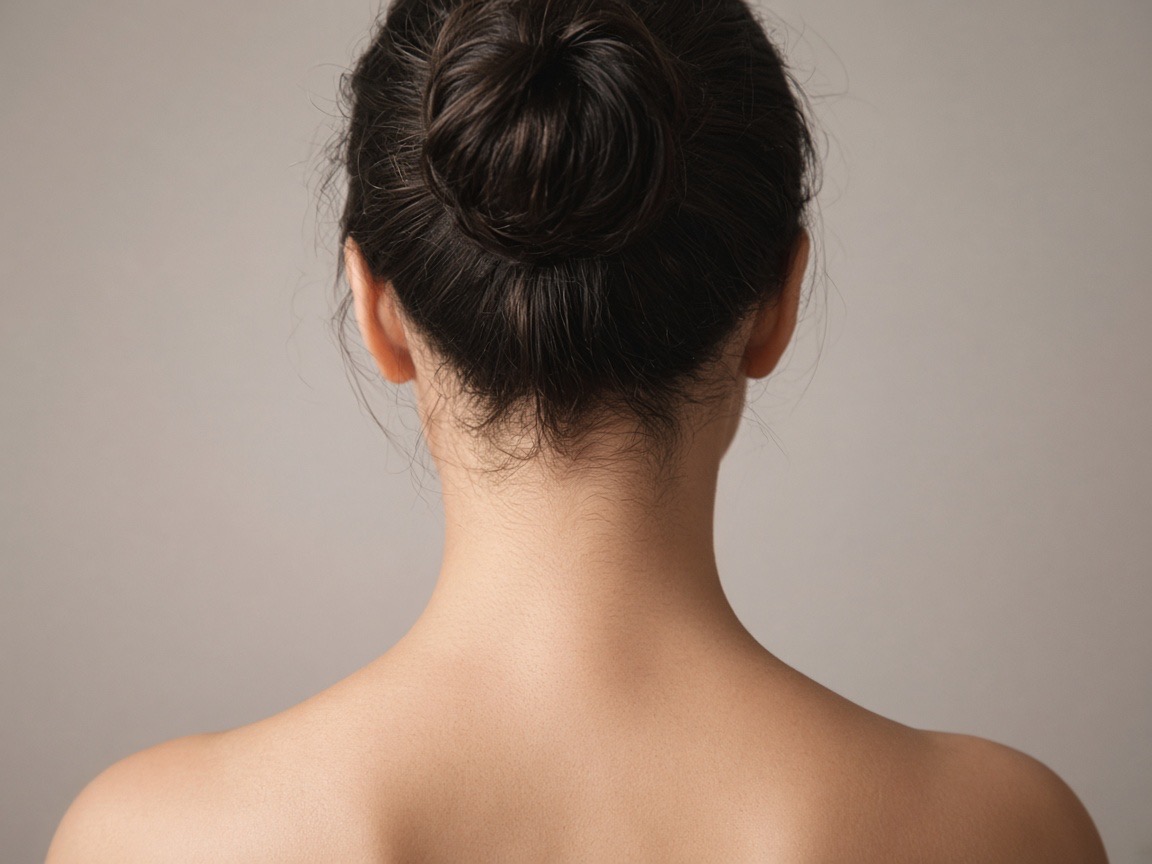
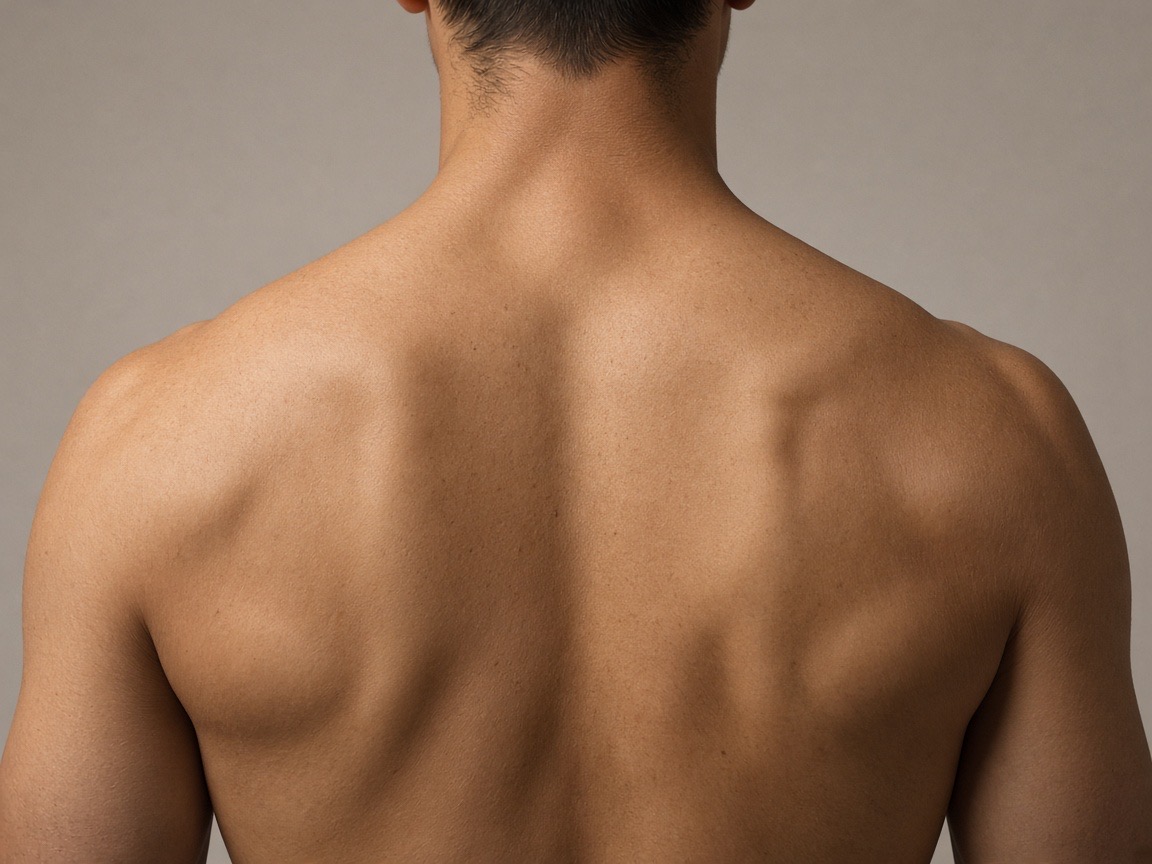
- Middle: wrist, behind-ear, ribs, shoulder blade
- Least forgiving: fingers, hands, neck, face
How big should a first tattoo be?
Bigger than you expect. Most first tattoos that feel too small are small because the artist was matching a reference photo, not because the client asked. A design that fits a 5 cm forearm spot will look tiny and dated within a few years, while a design that fills 10 to 15 cm still looks intentional after a decade.
Should I get a tattoo while employed at a conservative workplace?
Check your contract before the appointment, not after. Most conservative dress codes restrict visible tattoos on arms, legs and the neck, and many ban hand and finger tattoos outright. If your placement is uncertain, preview it against the clothing you actually wear at work rather than against your summer wardrobe.
Frequently asked questions
Try it with these tools
Every tool runs in your browser, is free, and needs no signup.
tattoo simulator
A free tattoo simulator: upload a photo of your skin, place any design and simulate size, angle, opacity and ink fade before you get inked. No signup, no watermark, runs in your browser.
tattoo try on
Try a tattoo on your own photo before you get inked. Upload a photo, tap a design, adjust size and angle, download free. No signup, no watermark, photos stay on your device.
tattoo visualizer
Visualize a tattoo design on your body with measured, true-to-scale templates for 14 placements. See size, angle and ink density, then download a PNG. Free, no signup.
tattoo on body
See how a tattoo looks on your body before you commit. Upload a full-length or close-up photo, place the design, and judge scale against your own frame. Free, private, no signup.
tattoo maker
A tattoo maker that assembles your design and places it on your photo. Combine artwork, script text and multiple layers, adjust scale in centimetres and download a PNG. Free, no signup.
tattoo creator
Create a custom tattoo: combine artwork, script text and layers into one composition, then preview it on your own photo at true scale. Free to design and download, no signup.
free tattoo generator
A free tattoo generator with no signup and no watermark. Combine designs and script, place them on your photo at true scale, and download as PNG. Optional paid AI renders, free overlay editor.
ai tattoo generator
An AI tattoo generator that turns your placement mockup into a realistic photo of healed ink with skin texture and lighting. Made with Google Nano Banana. Overlay editor stays free.
Preview the placements discussed
Try it on your own photo
Upload a photo, place a design, then adjust size, angle and opacity. Free, no signup, no watermark, and your photo never leaves your device.
Open the preview tool