Full body & large tattoo preview
Back pieces and sleeves take dozens of hours, so see the whole thing first. Place designs on a full-body photo and step back to check scale, flow and how separate pieces balance.
Your photos are processed in your browser and never uploaded unless you request an AI render.
Or try a template
AI tattoo designer
Describe your idea in one sentence and AI draws 2 original designs you can try on right away.
Log in and verify your email to try it free once.
Put your cat, dog or partner on your skin
Click an example to try it on the body, or turn your own photo into tattoo line art.
Use your own photo
Converted in your browser. Works best with a centred subject and plain background.
Sample designs
Preview by large placement
Each placement has its own template, size guide and pain level, and opens with a matching large design.
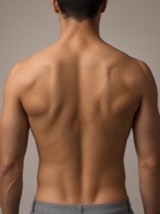
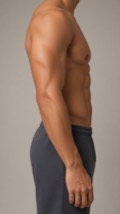
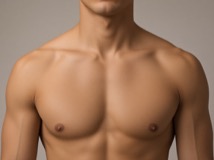
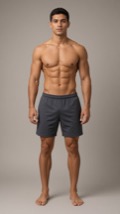
Large design examples
Add these from “Sample designs → Large” in the editor, or upload the artwork from your artist.
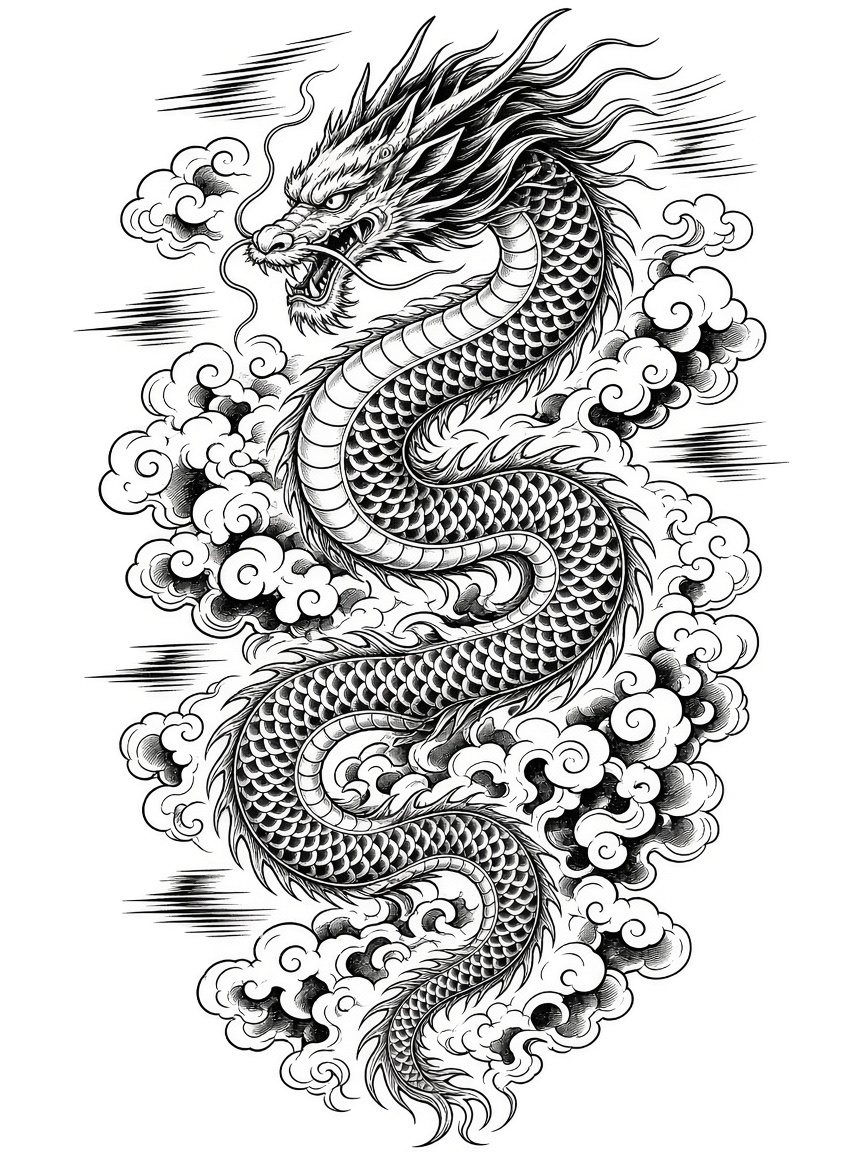
Japanese dragon back piece
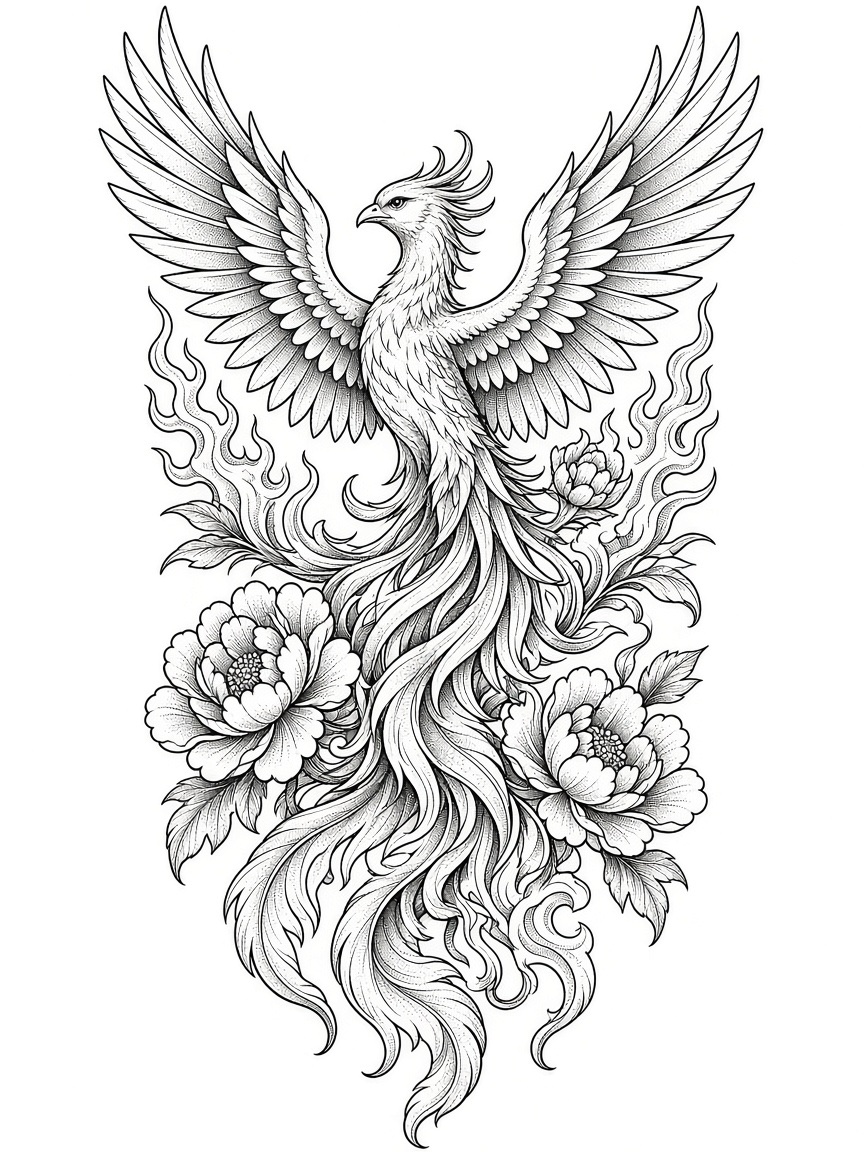
Phoenix back piece
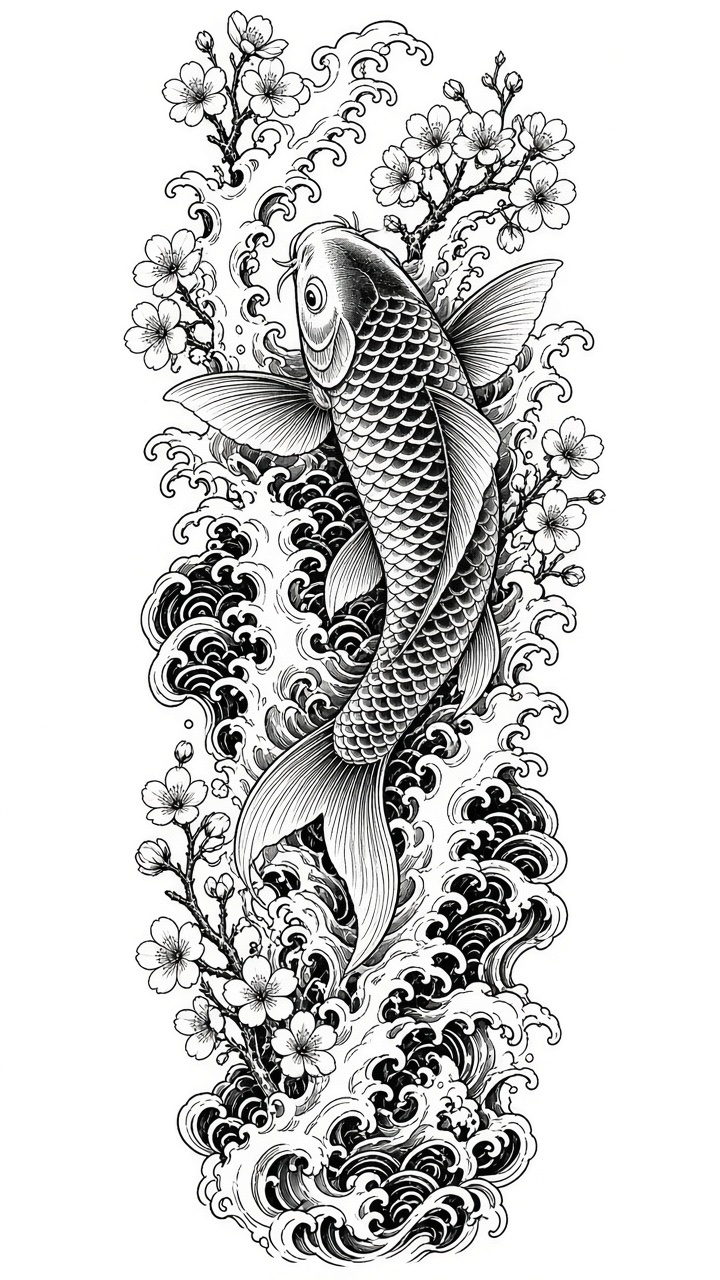
Koi & waves sleeve
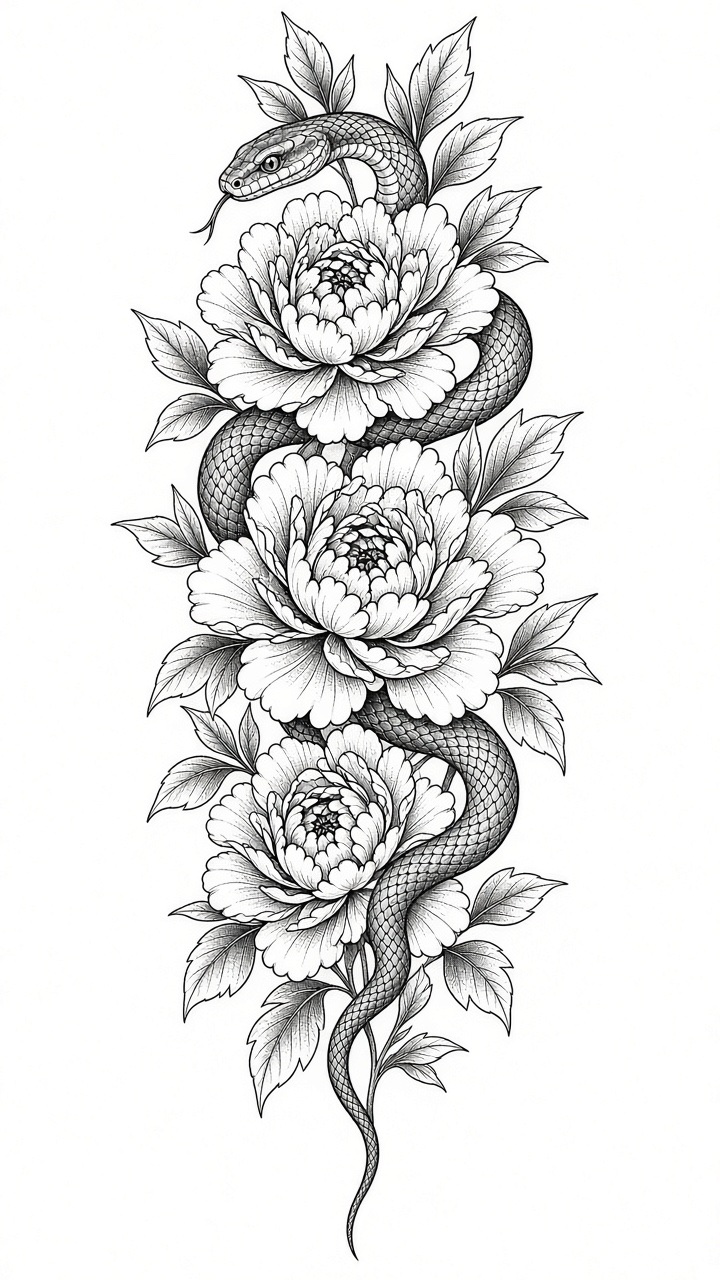
Snake & peony
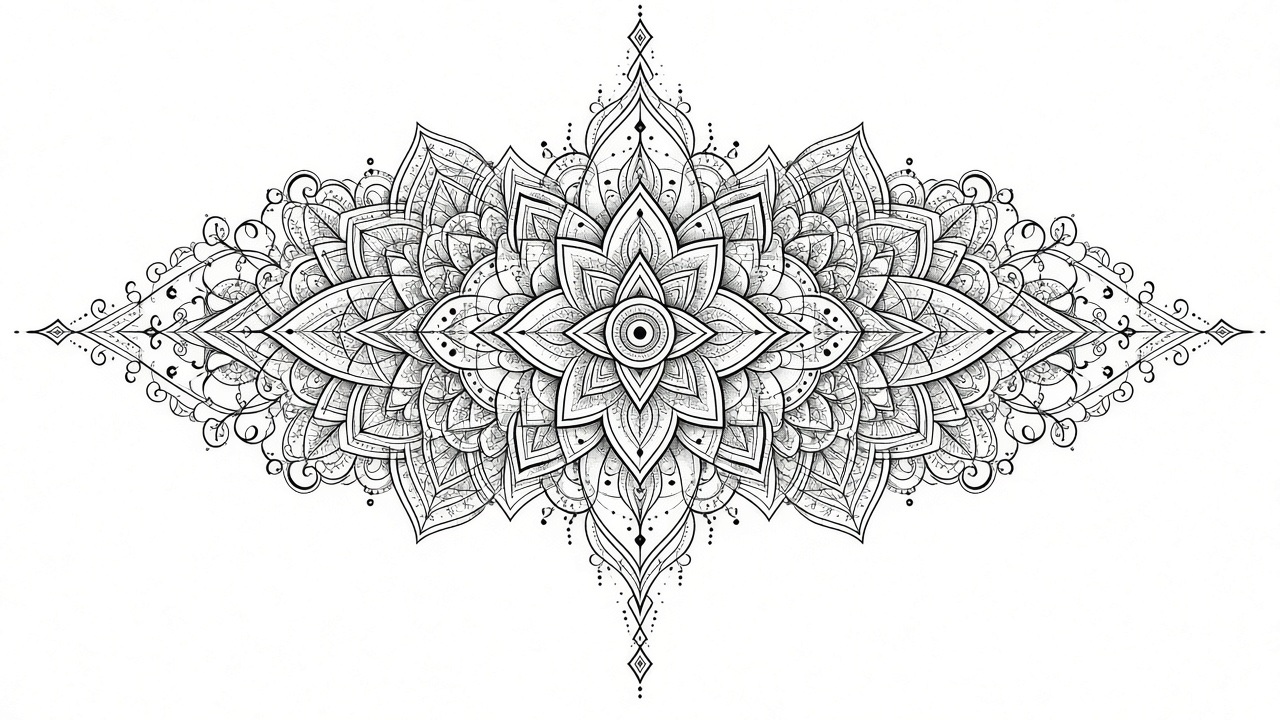
Mandala chest piece
Tips for large tattoos
- Large pieces are seen from a few meters away; judge the zoomed-out view before the details.
- Center back pieces on the spine and run sleeves vertically along the arm; turn on wrap to see the edges curve.
- Upload your own full-length photo (even light, standing straight) for accurate proportions. It stays in your browser.
- Want to see the healed look? Use the AI realistic render and bring the result to your artist.
