Planning a cover-up instead of removing it
Why dark, dense cover-ups beat big light ones, and the three cases where removal wins.
7 min read
Can an old tattoo be covered up?
Yes, if the new tattoo is significantly darker or denser than the old one. Cover-up works by putting enough opaque ink over the previous design so the eye no longer resolves the shapes underneath. Black over black, black over red, and colour over black all work. Colour over faded pastel usually does not, because the old colours show through the new ink.
Try it while you read
Use the tool below to upload a photo and place a design at the size discussed here. Free, no signup.
Open the preview toolShould a cover-up be bigger than the original tattoo?
Usually yes, and dark. Artists typically recommend going two to three times darker in perceived density rather than simply making the design bigger, because a large but light design leaves the old outlines visible inside it. The old shape is always faintly readable through a thin cover-up, which is why the standard advice is black or very dark colour, full saturation.
- Black over black: best odds
- Black or dark colour over red or blue: good
- Dense colour over light faded work: moderate
- Light or pastel over anything: avoid
When is removal better than a cover-up?
Removal wins in three situations: when the old tattoo is large and you want something small in its place, when the old ink is light enough to lift with laser and you want full freedom afterwards, and when the cover-up would need to be so dense that it becomes its own problem. Laser removal takes roughly 6 to 12 sessions and leaves the skin able to be tattooed again once fully healed.
Frequently asked questions
Try it with these tools
Every tool runs in your browser, is free, and needs no signup.
tattoo simulator
A free tattoo simulator: upload a photo of your skin, place any design and simulate size, angle, opacity and ink fade before you get inked. No signup, no watermark, runs in your browser.
tattoo try on
Try a tattoo on your own photo before you get inked. Upload a photo, tap a design, adjust size and angle, download free. No signup, no watermark, photos stay on your device.
tattoo visualizer
Visualize a tattoo design on your body with measured, true-to-scale templates for 14 placements. See size, angle and ink density, then download a PNG. Free, no signup.
tattoo on body
See how a tattoo looks on your body before you commit. Upload a full-length or close-up photo, place the design, and judge scale against your own frame. Free, private, no signup.
tattoo maker
A tattoo maker that assembles your design and places it on your photo. Combine artwork, script text and multiple layers, adjust scale in centimetres and download a PNG. Free, no signup.
tattoo creator
Create a custom tattoo: combine artwork, script text and layers into one composition, then preview it on your own photo at true scale. Free to design and download, no signup.
ai tattoo generator
An AI tattoo generator that turns your placement mockup into a realistic photo of healed ink with skin texture and lighting. Made with Google Nano Banana. Overlay editor stays free.
tattoo preview
Preview any tattoo on your own photo. 14 measured body part templates, script text, multiple layers, centimetre scale readouts and free PNG export. No signup, no watermark.
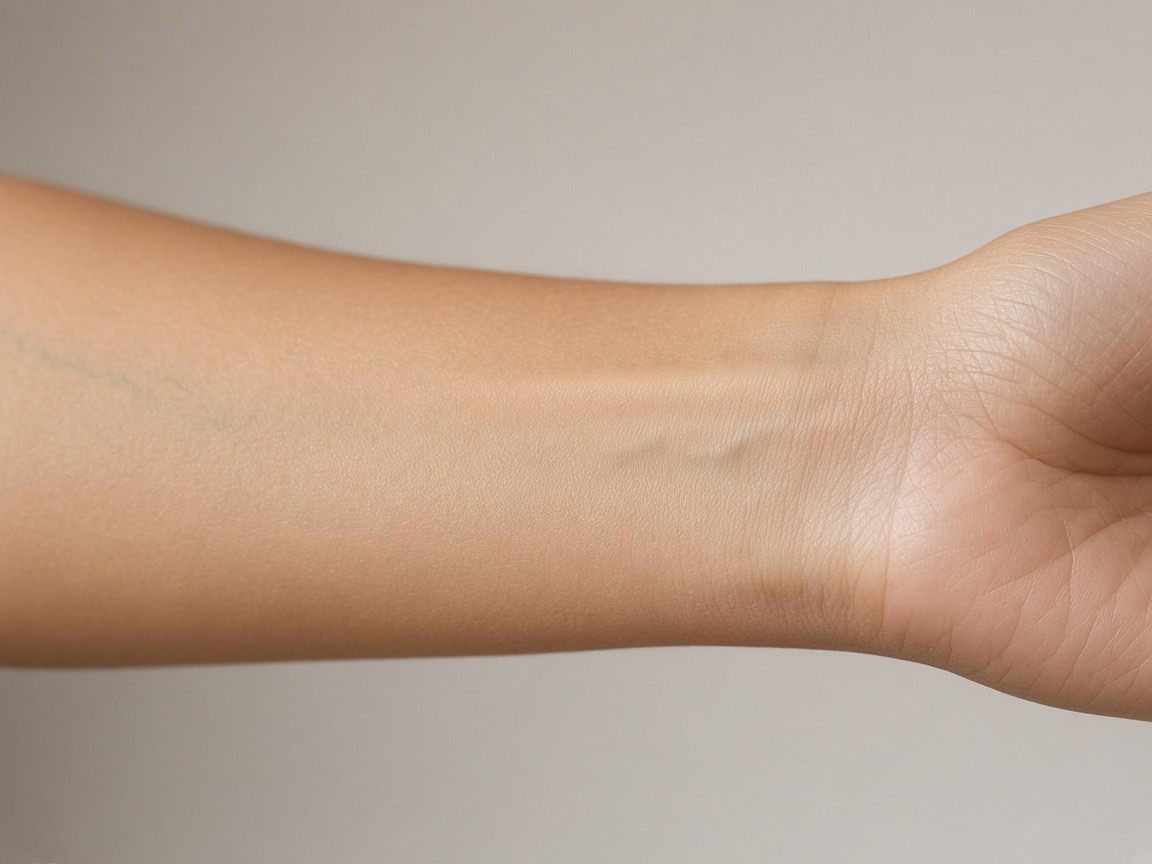
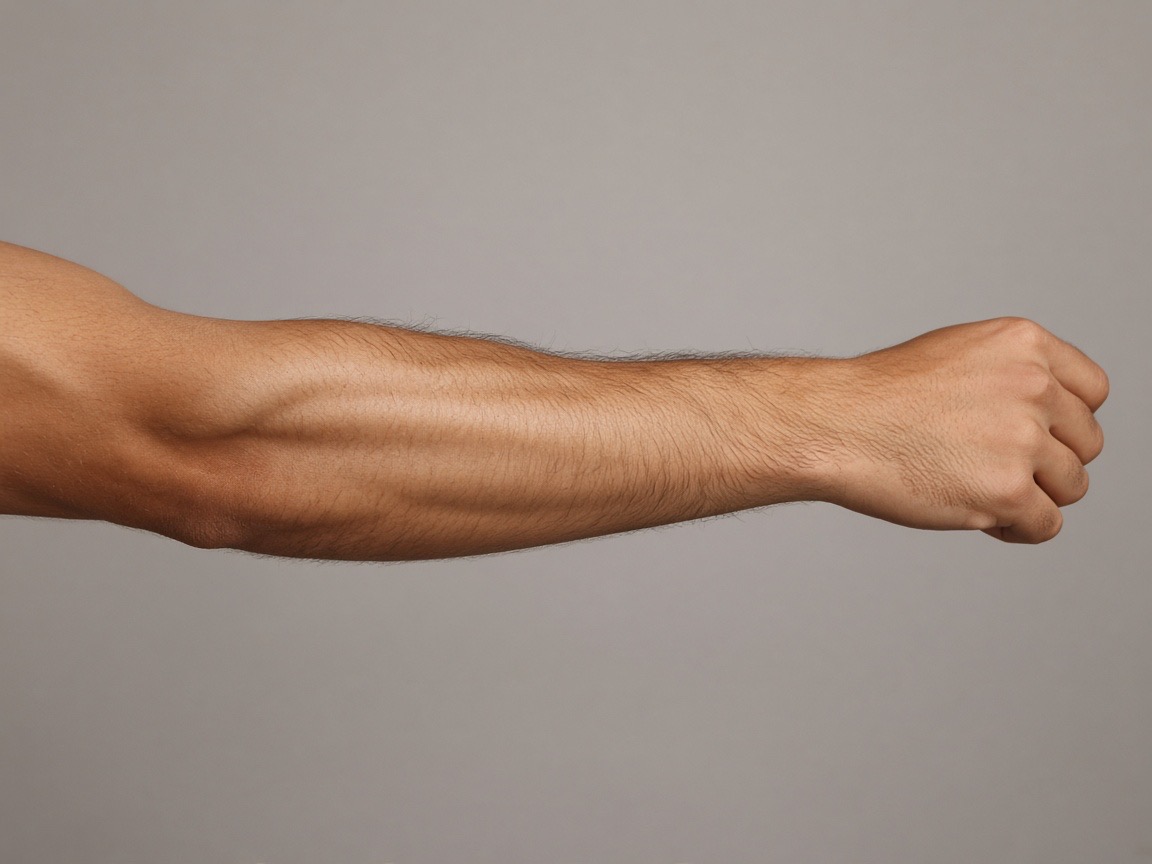
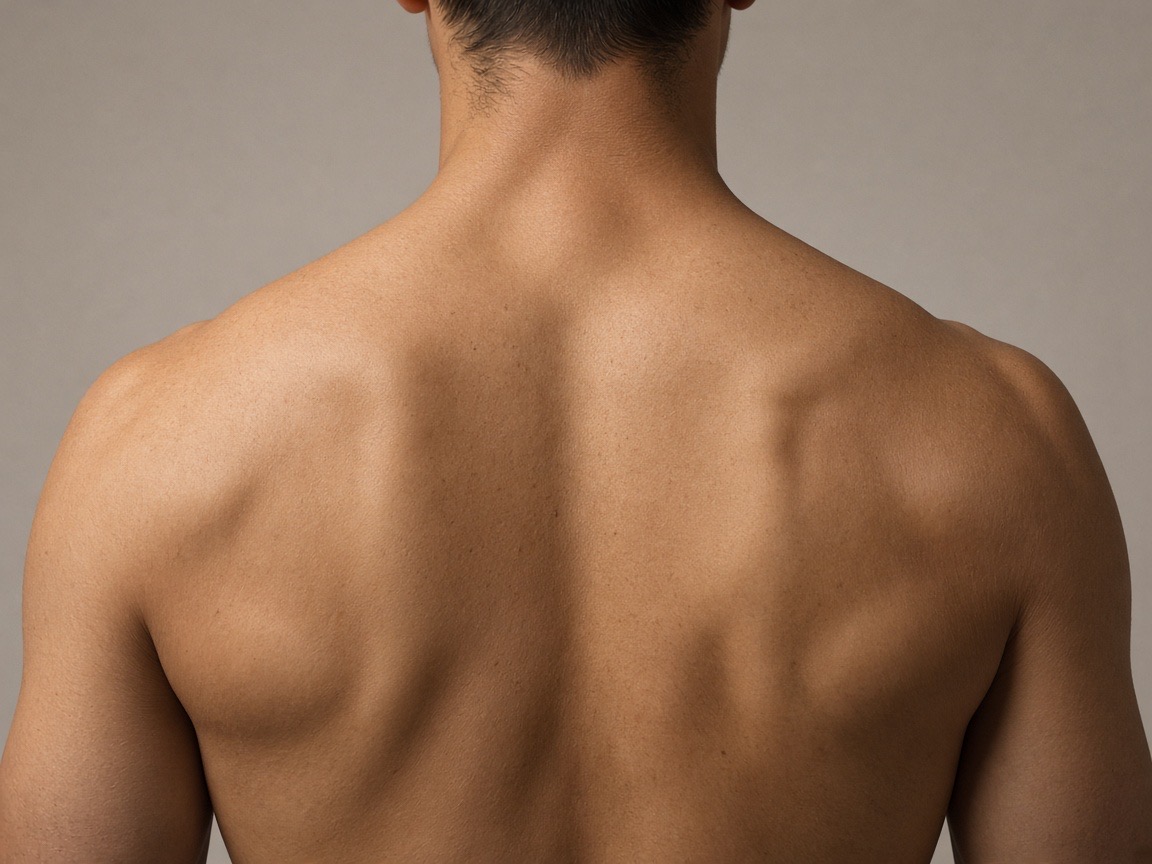
Preview the placements discussed
Try it on your own photo
Upload a photo, place a design, then adjust size, angle and opacity. Free, no signup, no watermark, and your photo never leaves your device.
Open the preview tool