
How big should your tattoo be?
Centimetre ranges for 14 placements, and how to turn a vague idea into a size you can give an artist.
6 min read
How do tattoo artists measure size?
Artists measure on the body, not on the design. The useful numbers are the design width in centimetres and the width of the placement area. If your forearm template is about 45 cm wide and you set the design to 15 cm, that is roughly a third of the forearm across — a medium piece that still reads clearly from a normal distance.
Try it while you read
Use the tool below to upload a photo and place a design at the size discussed here. Free, no signup.
Open the preview toolWhy do tattoos look bigger in person than in a photo?
Photos and small mirrors distort scale, because the camera sits closer than the eye and wide lenses exaggerate the nearest surface. Judge size against a known reference instead: the width of your palm is roughly 8 to 10 cm, your face length is about 20 cm, and your forearm is around 45 cm across. Use those as your ruler.
What size design suits a small body part?
Small placements need simplified designs rather than shrunken ones. On a wrist or finger, remove detail instead of compressing it: one bold snake reads well at 3 cm, while the same snake with scales and shading turns into a grey smudge at the same size. Simplify the linework and keep the silhouette clear.
Frequently asked questions
Try it with these tools
Every tool runs in your browser, is free, and needs no signup.
tattoo simulator
A free tattoo simulator: upload a photo of your skin, place any design and simulate size, angle, opacity and ink fade before you get inked. No signup, no watermark, runs in your browser.
tattoo try on
Try a tattoo on your own photo before you get inked. Upload a photo, tap a design, adjust size and angle, download free. No signup, no watermark, photos stay on your device.
tattoo on body
See how a tattoo looks on your body before you commit. Upload a full-length or close-up photo, place the design, and judge scale against your own frame. Free, private, no signup.
tattoo maker
A tattoo maker that assembles your design and places it on your photo. Combine artwork, script text and multiple layers, adjust scale in centimetres and download a PNG. Free, no signup.
tattoo creator
Create a custom tattoo: combine artwork, script text and layers into one composition, then preview it on your own photo at true scale. Free to design and download, no signup.
free tattoo generator
A free tattoo generator with no signup and no watermark. Combine designs and script, place them on your photo at true scale, and download as PNG. Optional paid AI renders, free overlay editor.
ai tattoo generator
An AI tattoo generator that turns your placement mockup into a realistic photo of healed ink with skin texture and lighting. Made with Google Nano Banana. Overlay editor stays free.
tattoo preview
Preview any tattoo on your own photo. 14 measured body part templates, script text, multiple layers, centimetre scale readouts and free PNG export. No signup, no watermark.
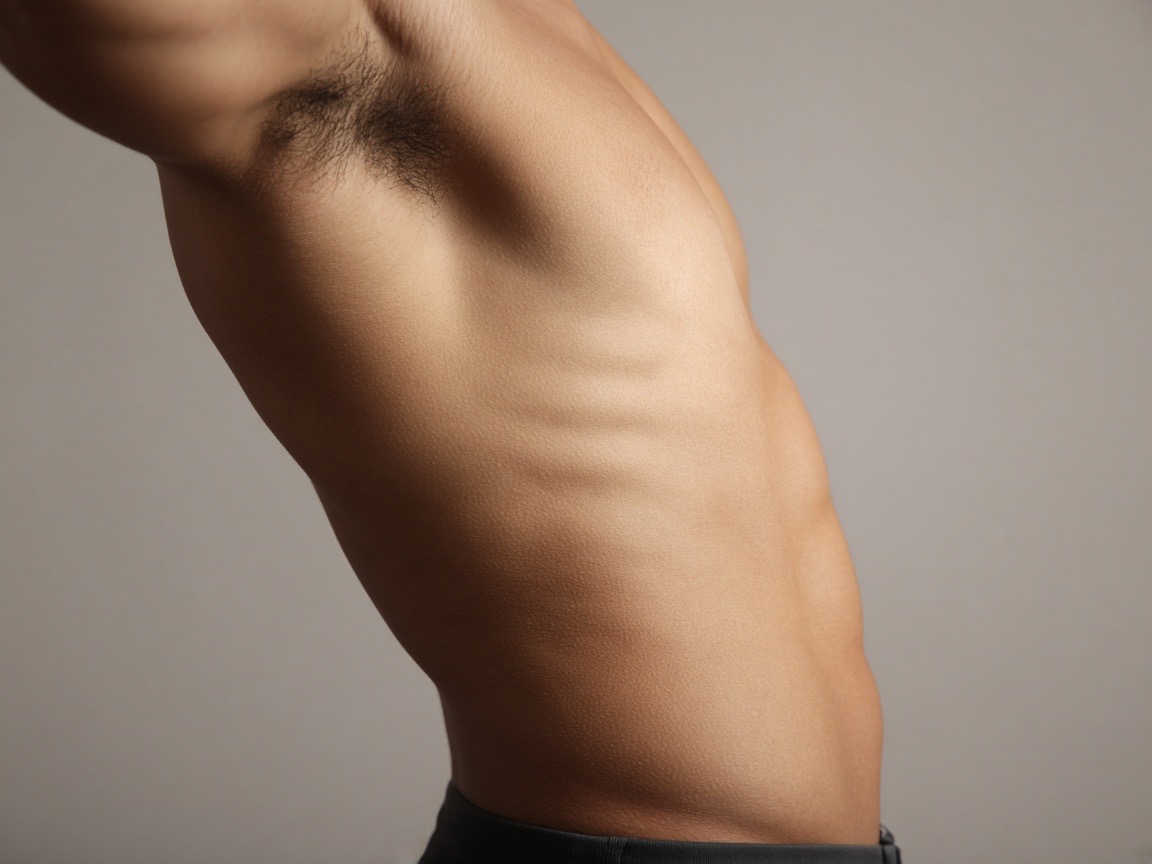
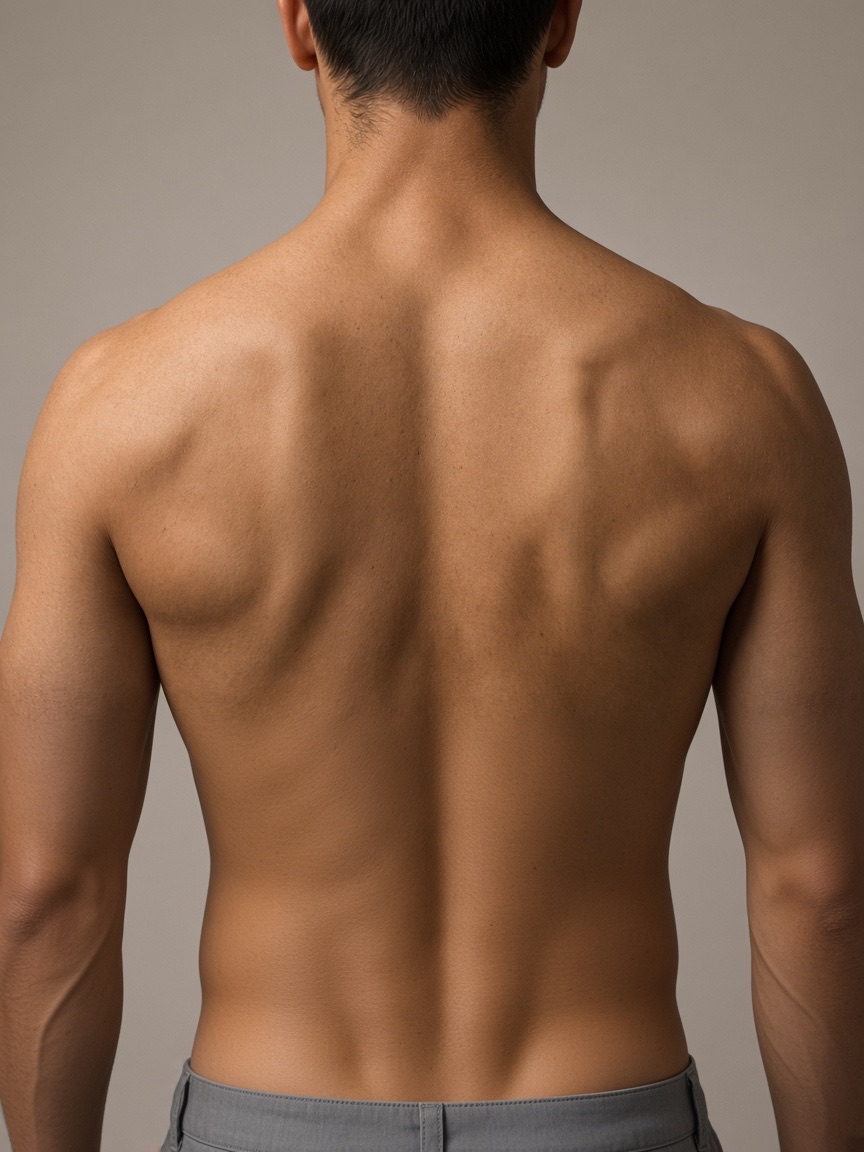
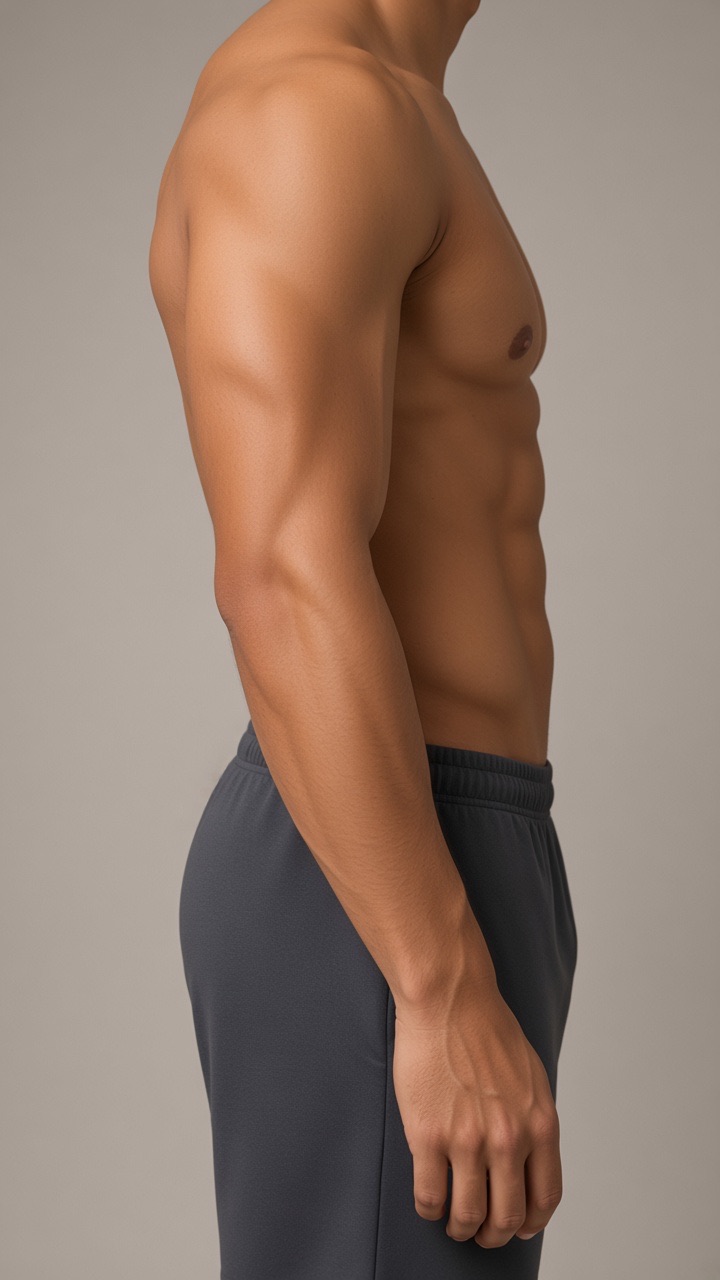
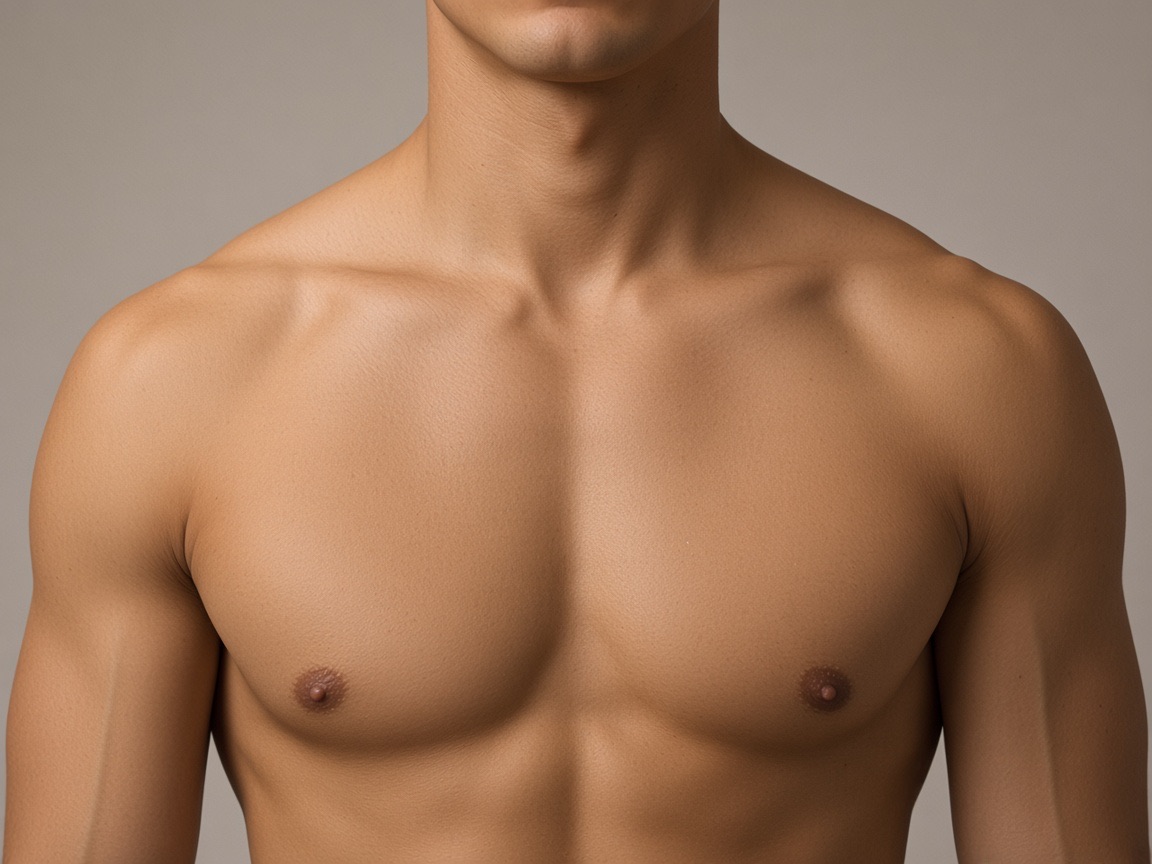
Preview the placements discussed
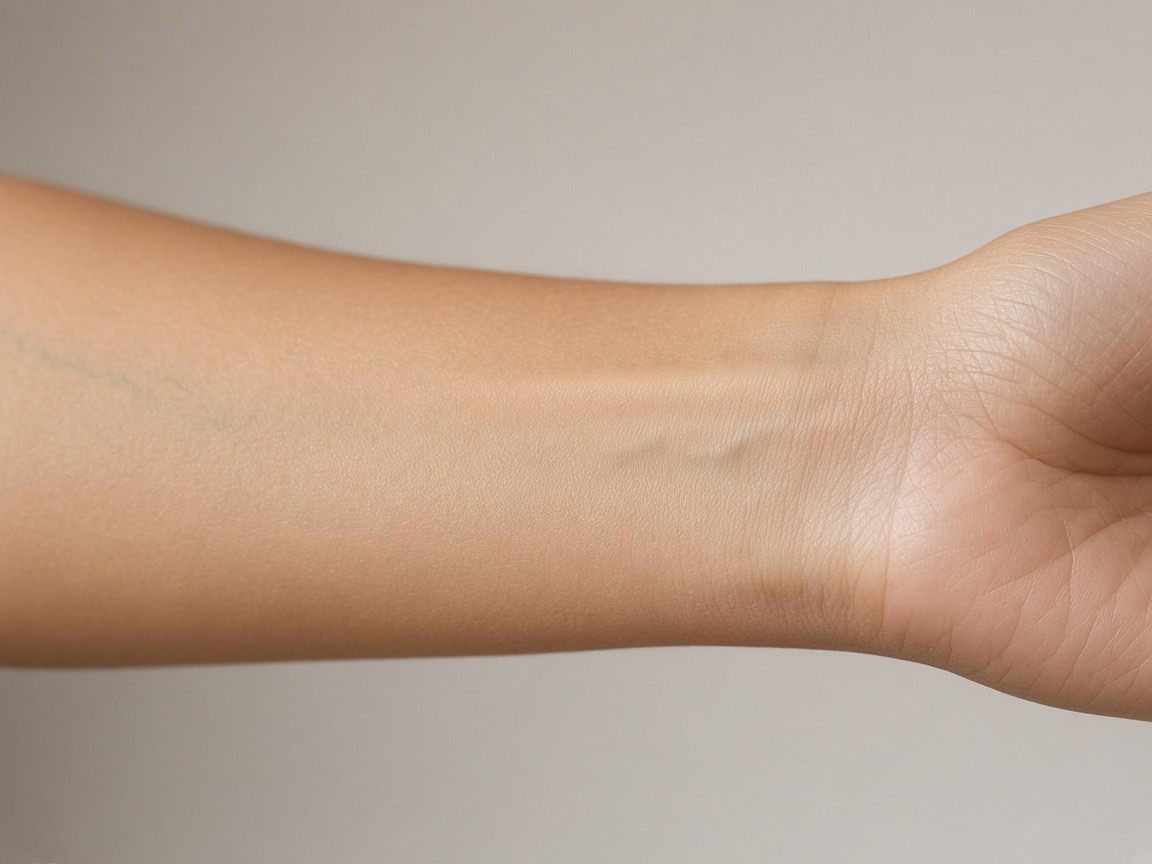
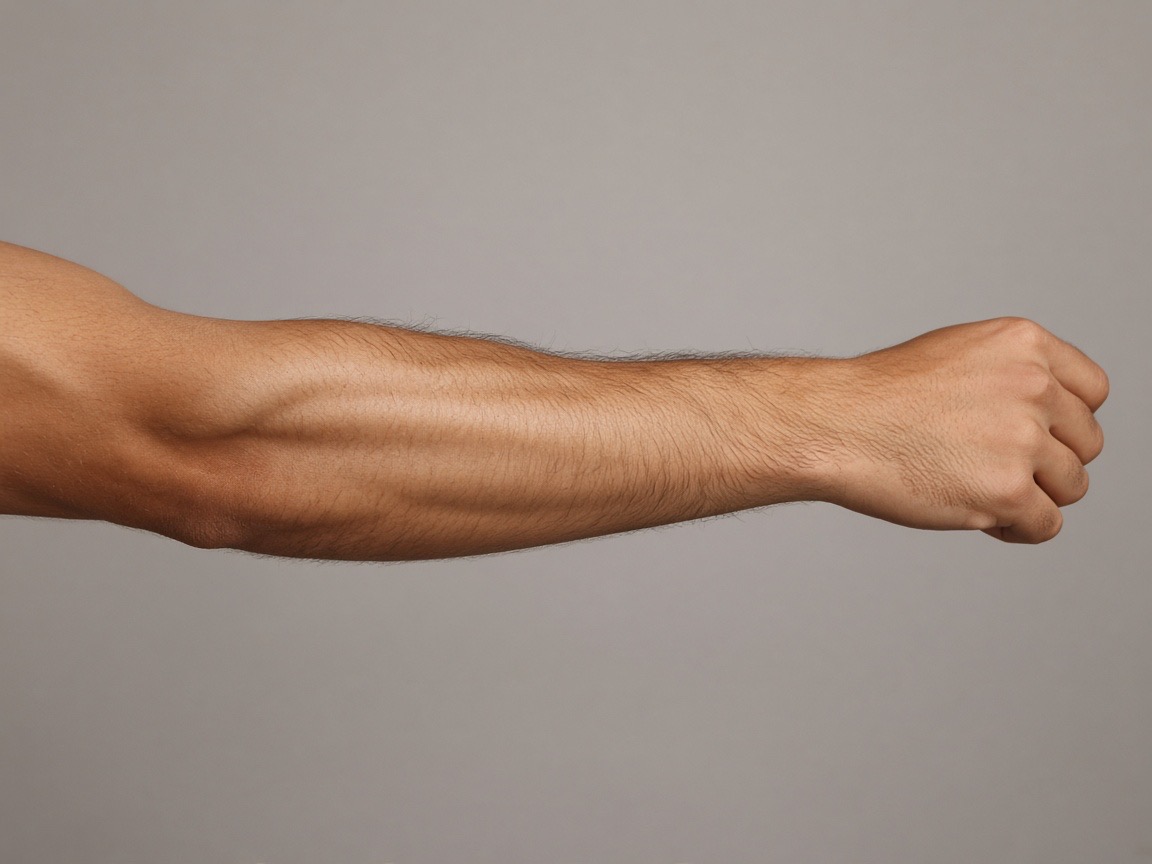
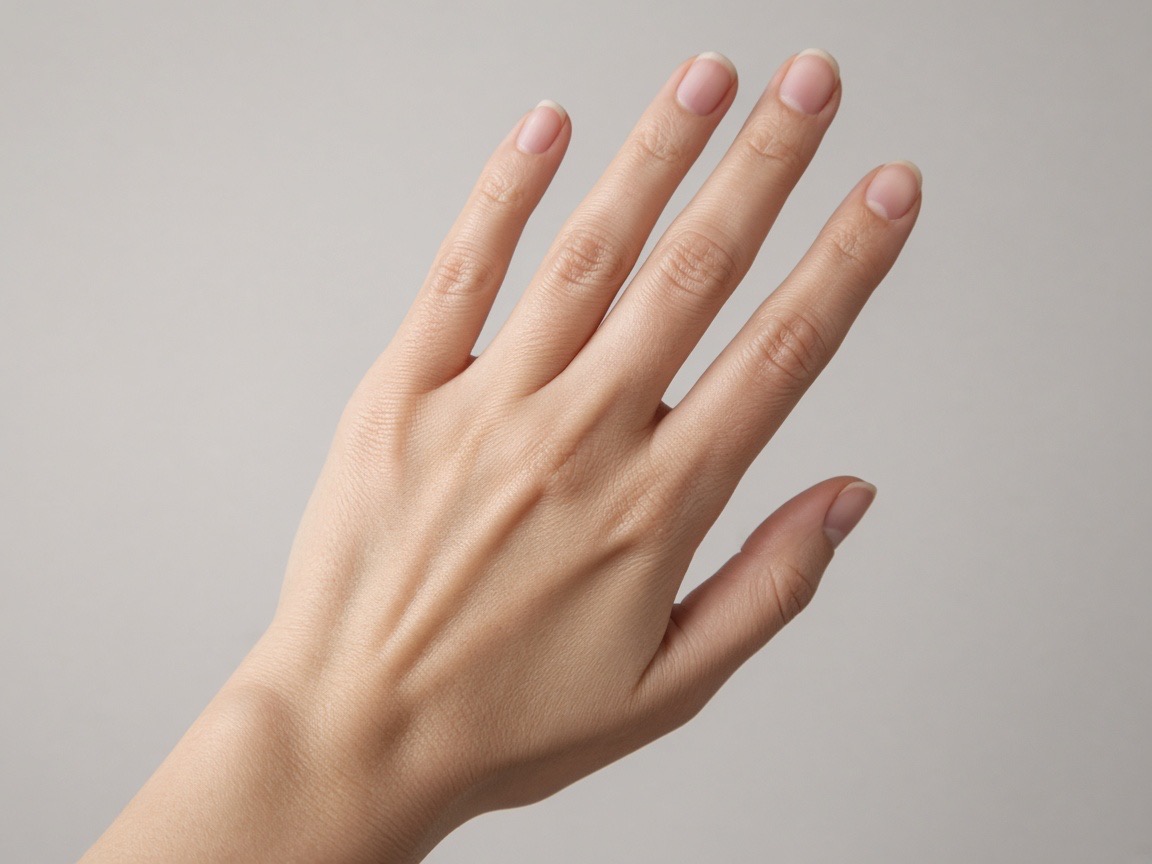
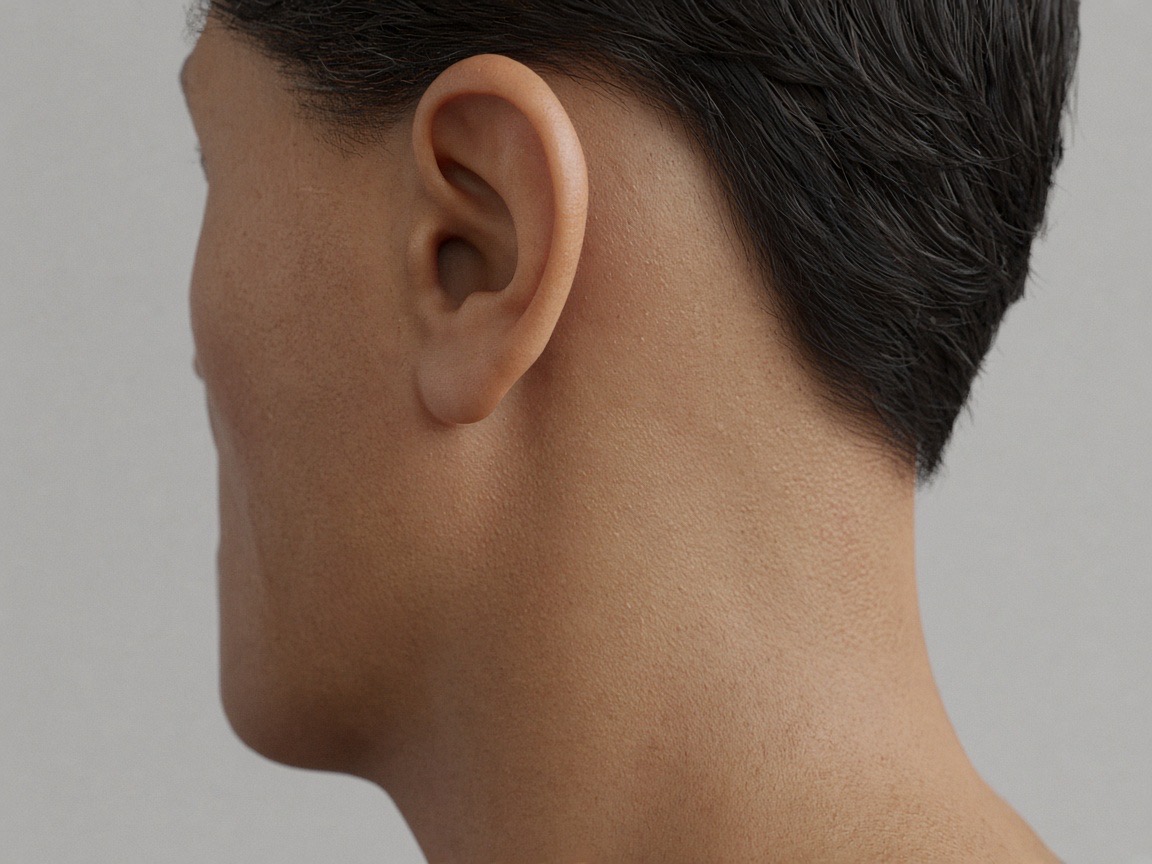
Try it on your own photo
Upload a photo, place a design, then adjust size, angle and opacity. Free, no signup, no watermark, and your photo never leaves your device.
Open the preview tool