How to pick a name tattoo font
Why script and fine serif fonts fade fastest, and the four rules that keep a name readable for a decade.
6 min read
Which name tattoo fonts age best?
Bold, high-contrast fonts age best because the thick strokes survive the ink spread that happens in every healed tattoo. Chunky serif, geometric sans and traditional brush scripts hold up best. Ultra-fine script, hairline and high-contrast modern serifs fade fastest, because a 0.5 mm line that looks crisp on day one will spread and blur within two years.
Try it while you read
Use the tool below to upload a photo and place a design at the size discussed here. Free, no signup.
Open the preview toolHow big should the letters be on a name tattoo?
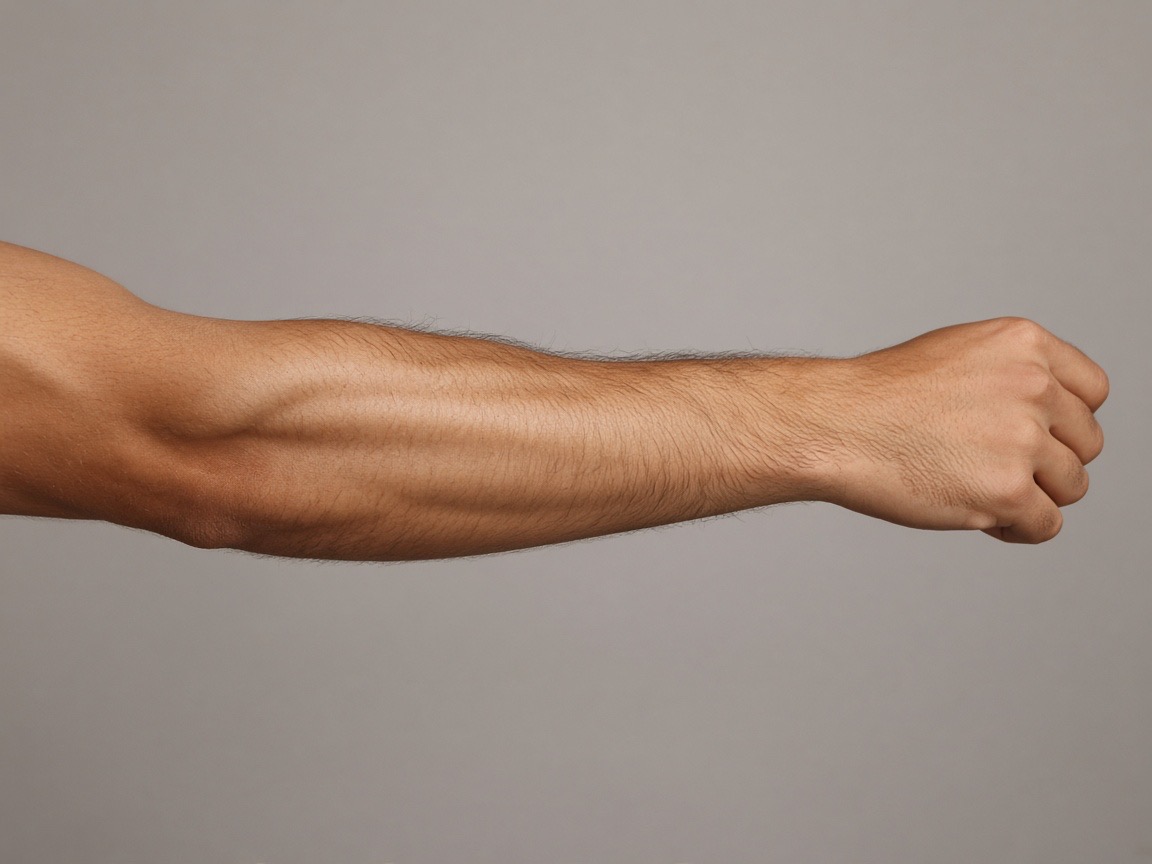
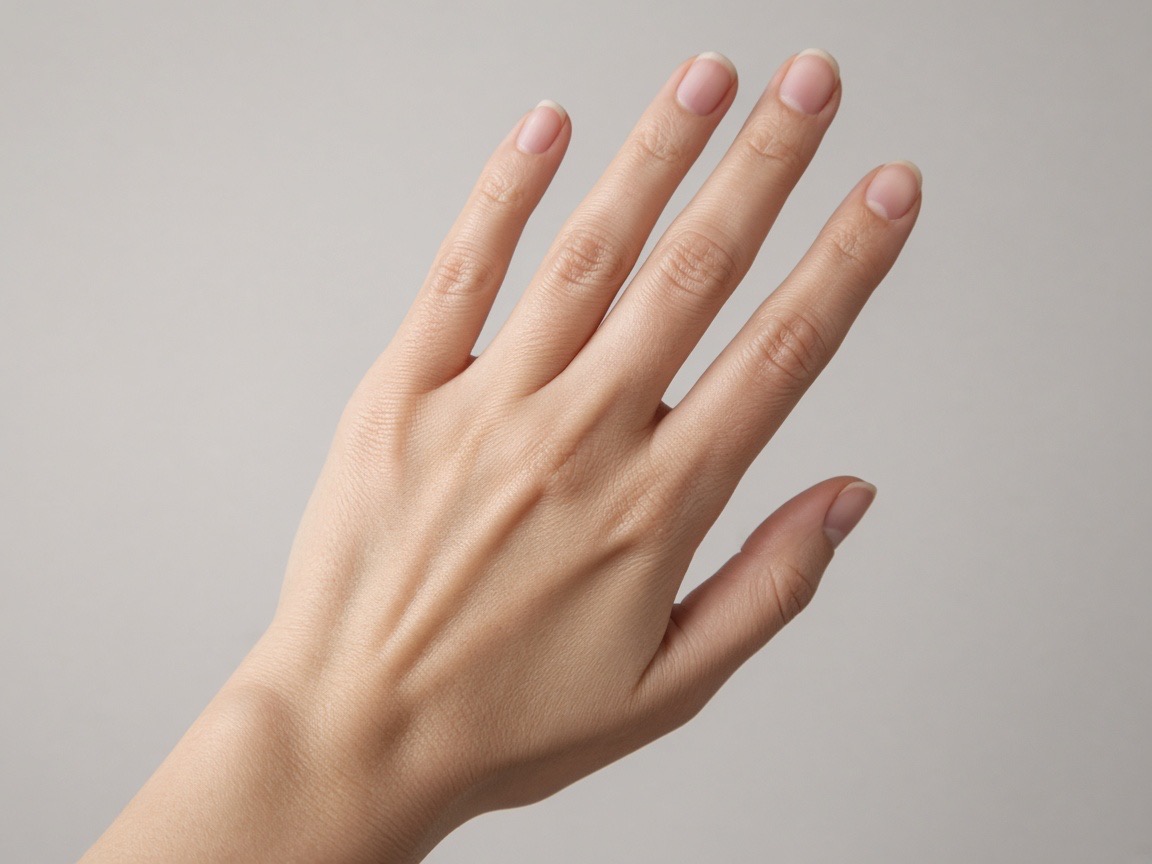
Measure the shortest stroke, not the overall height. Capital letters need roughly 6 mm of height for a readable line, but the real constraint is the thin connecting strokes. On an inner forearm, 12 to 15 mm capitals give you comfortable room for script; on a finger, you are limited to about 5 mm, which is why finger name tattoos fade noticeably faster.
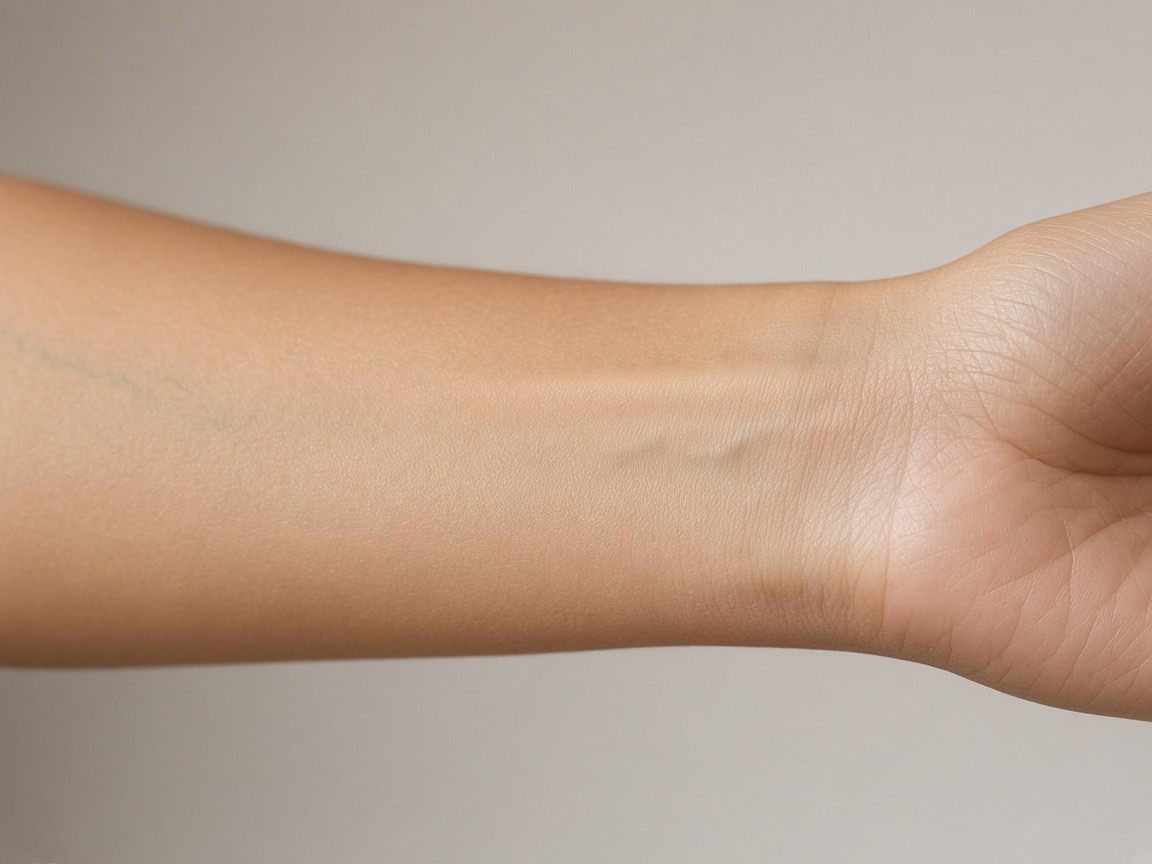
Should a name go on the wrist or the forearm?
The forearm for readability, the wrist only for very short names. A wrist surface gives you roughly 4 to 6 cm of usable length before it curves into the hand, and it is the most rubbed, most sun-exposed and most frequently washed area on the arm. A forearm has more room, less friction and better long-term colour retention.
Does a script name tattoo need a touch-up?
A fine-line script name usually needs one touch-up in the first year, and that is normal rather than a mistake. Healed tattoo ink spreads slightly into the surrounding skin, so lines that were hairline-thick on day one become softer. Ask your artist in advance whether a touch-up is included, because many offer one free.
Frequently asked questions
Try it with these tools
Every tool runs in your browser, is free, and needs no signup.
tattoo simulator
A free tattoo simulator: upload a photo of your skin, place any design and simulate size, angle, opacity and ink fade before you get inked. No signup, no watermark, runs in your browser.
tattoo try on
Try a tattoo on your own photo before you get inked. Upload a photo, tap a design, adjust size and angle, download free. No signup, no watermark, photos stay on your device.
tattoo visualizer
Visualize a tattoo design on your body with measured, true-to-scale templates for 14 placements. See size, angle and ink density, then download a PNG. Free, no signup.
tattoo on body
See how a tattoo looks on your body before you commit. Upload a full-length or close-up photo, place the design, and judge scale against your own frame. Free, private, no signup.
tattoo maker
A tattoo maker that assembles your design and places it on your photo. Combine artwork, script text and multiple layers, adjust scale in centimetres and download a PNG. Free, no signup.
free tattoo generator
A free tattoo generator with no signup and no watermark. Combine designs and script, place them on your photo at true scale, and download as PNG. Optional paid AI renders, free overlay editor.
ai tattoo generator
An AI tattoo generator that turns your placement mockup into a realistic photo of healed ink with skin texture and lighting. Made with Google Nano Banana. Overlay editor stays free.
tattoo preview
Preview any tattoo on your own photo. 14 measured body part templates, script text, multiple layers, centimetre scale readouts and free PNG export. No signup, no watermark.
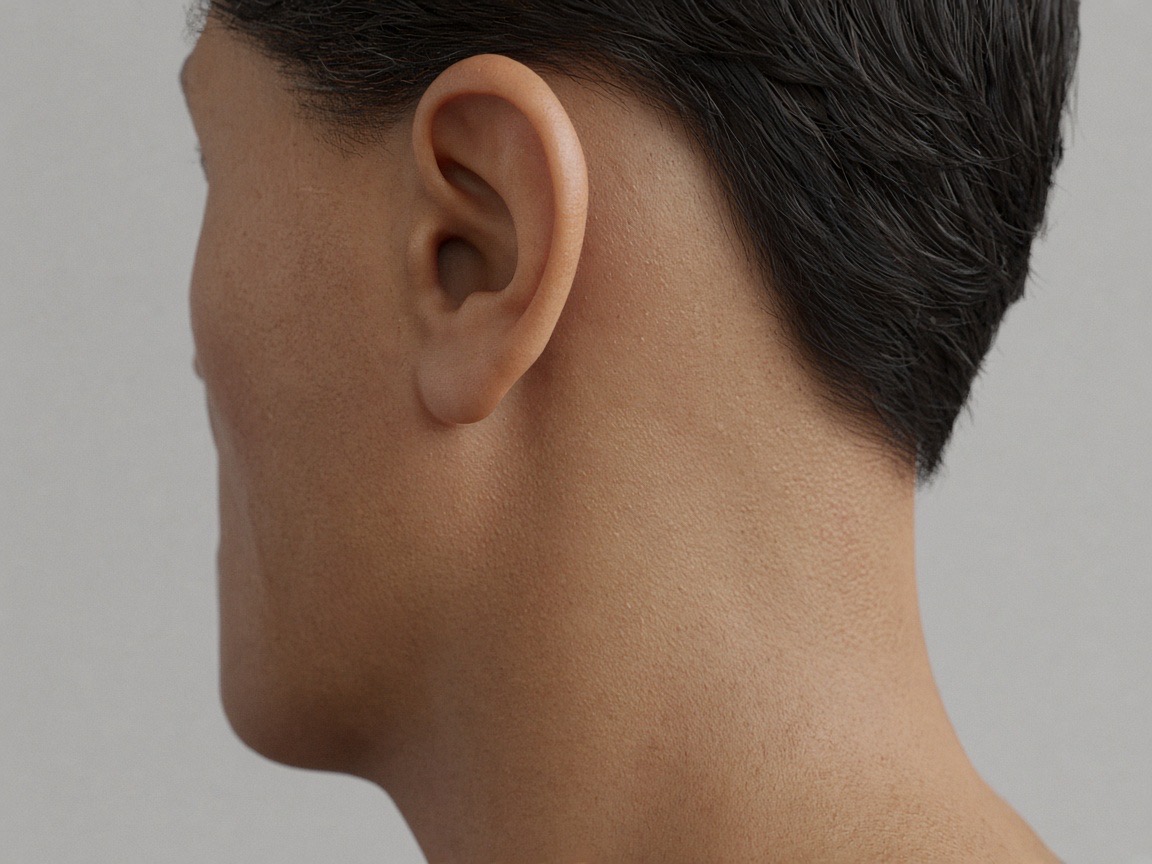
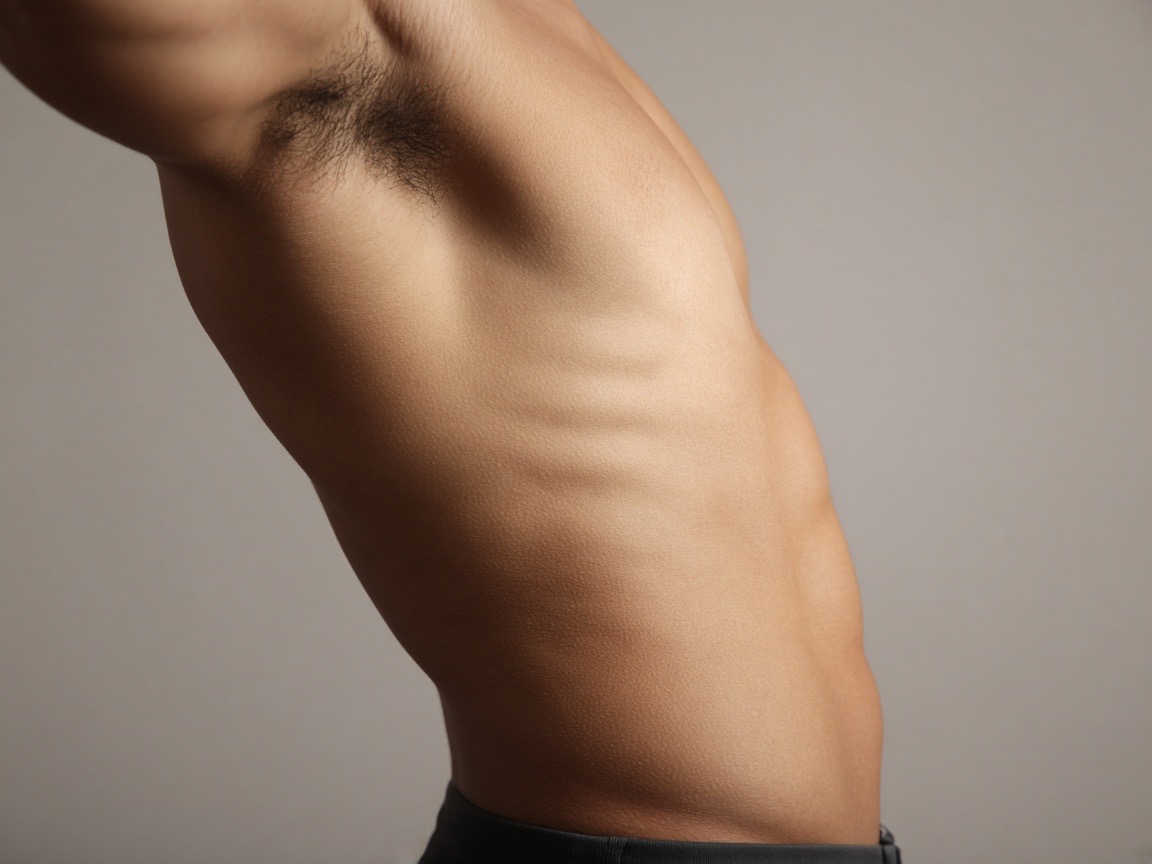
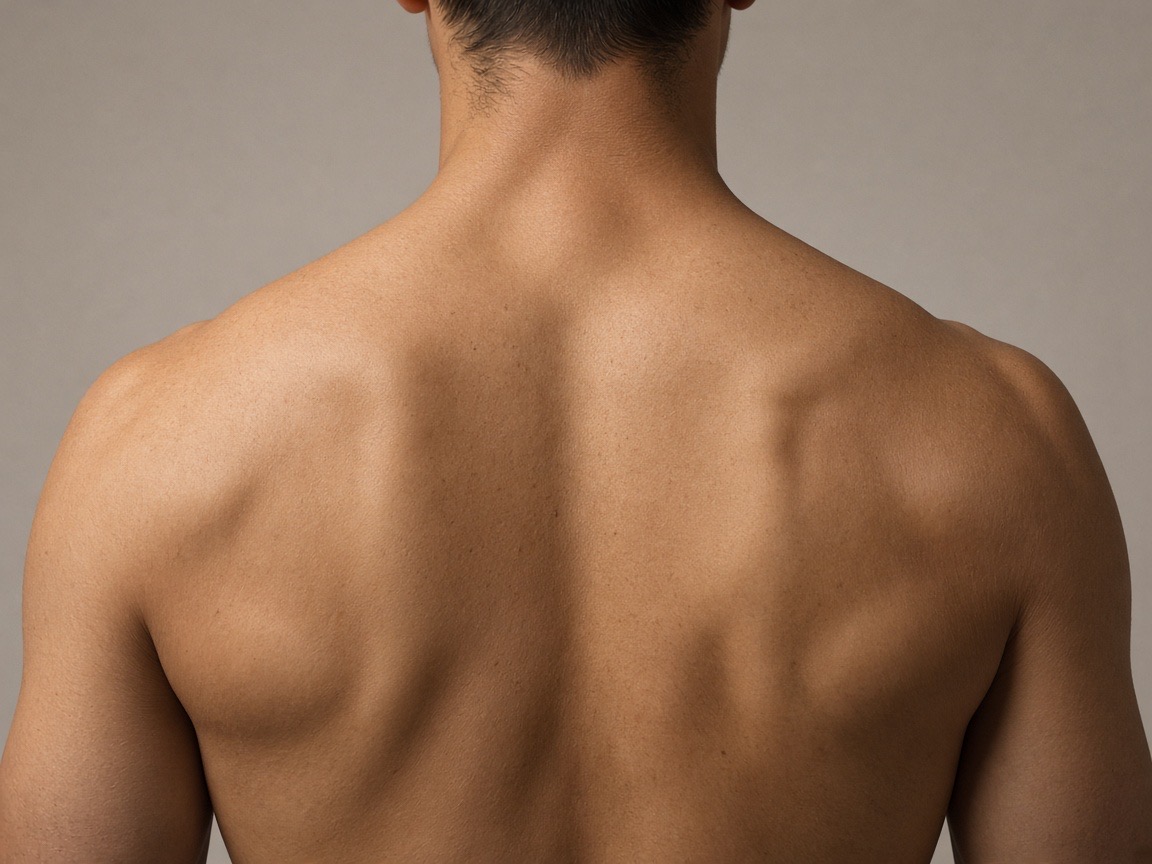
Preview the placements discussed
Try it on your own photo
Upload a photo, place a design, then adjust size, angle and opacity. Free, no signup, no watermark, and your photo never leaves your device.
Open the preview tool