Small tattoos that still read clearly after healing
How to design for 2 to 5 cm: thick strokes, one idea, and motifs that survive the shrink.
5 min read
Why do small tattoos blur?
Small tattoos blur because they are drawn with the same line weights as large ones but healed at a much smaller scale. Ink spread of even half a millimetre is proportionally huge on a 3 cm design and invisible on a 30 cm back piece. Small work also has fewer needle passes and less line variation, so it looks softer sooner.
Try it while you read
Use the tool below to upload a photo and place a design at the size discussed here. Free, no signup.
Open the preview toolWhat is the minimum readable line width?
About 0.6 mm for solid black lines, and closer to 1 mm for coloured or shaded details. Anything thinner will spread within a year or two and read as grey rather than black. On fingers especially, plan for a touch-up, and ask whether your artist includes one.
Which motifs work best at very small sizes?
Silhouettes and single icons work best: a solid snake, a simple wave, a crescent moon, a heart, an arrow, a key, a single leaf. Avoid anything with interior detail, thin circles, or many small parts, because each element competes for the same few millimetres of skin. One clear idea always beats three compromises.
- Great small motifs: crescent moon, wave, arrow, solid snake, single leaf
- Avoid small: constellations, fine script, detailed faces, thin rings
- Keep strokes at 0.6 mm or thicker
Frequently asked questions
Try it with these tools
Every tool runs in your browser, is free, and needs no signup.
tattoo simulator
A free tattoo simulator: upload a photo of your skin, place any design and simulate size, angle, opacity and ink fade before you get inked. No signup, no watermark, runs in your browser.
tattoo try on
Try a tattoo on your own photo before you get inked. Upload a photo, tap a design, adjust size and angle, download free. No signup, no watermark, photos stay on your device.
tattoo visualizer
Visualize a tattoo design on your body with measured, true-to-scale templates for 14 placements. See size, angle and ink density, then download a PNG. Free, no signup.
tattoo on body
See how a tattoo looks on your body before you commit. Upload a full-length or close-up photo, place the design, and judge scale against your own frame. Free, private, no signup.
tattoo creator
Create a custom tattoo: combine artwork, script text and layers into one composition, then preview it on your own photo at true scale. Free to design and download, no signup.
free tattoo generator
A free tattoo generator with no signup and no watermark. Combine designs and script, place them on your photo at true scale, and download as PNG. Optional paid AI renders, free overlay editor.
ai tattoo generator
An AI tattoo generator that turns your placement mockup into a realistic photo of healed ink with skin texture and lighting. Made with Google Nano Banana. Overlay editor stays free.
tattoo preview
Preview any tattoo on your own photo. 14 measured body part templates, script text, multiple layers, centimetre scale readouts and free PNG export. No signup, no watermark.
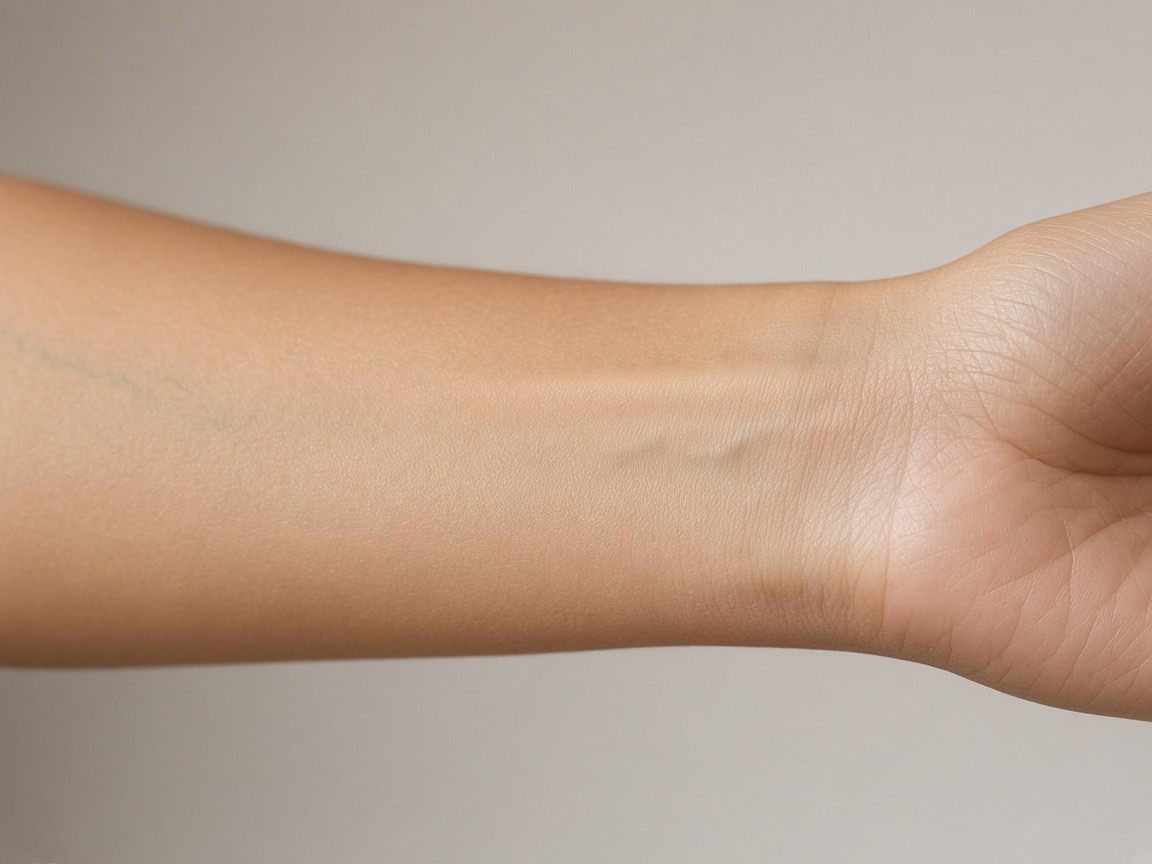
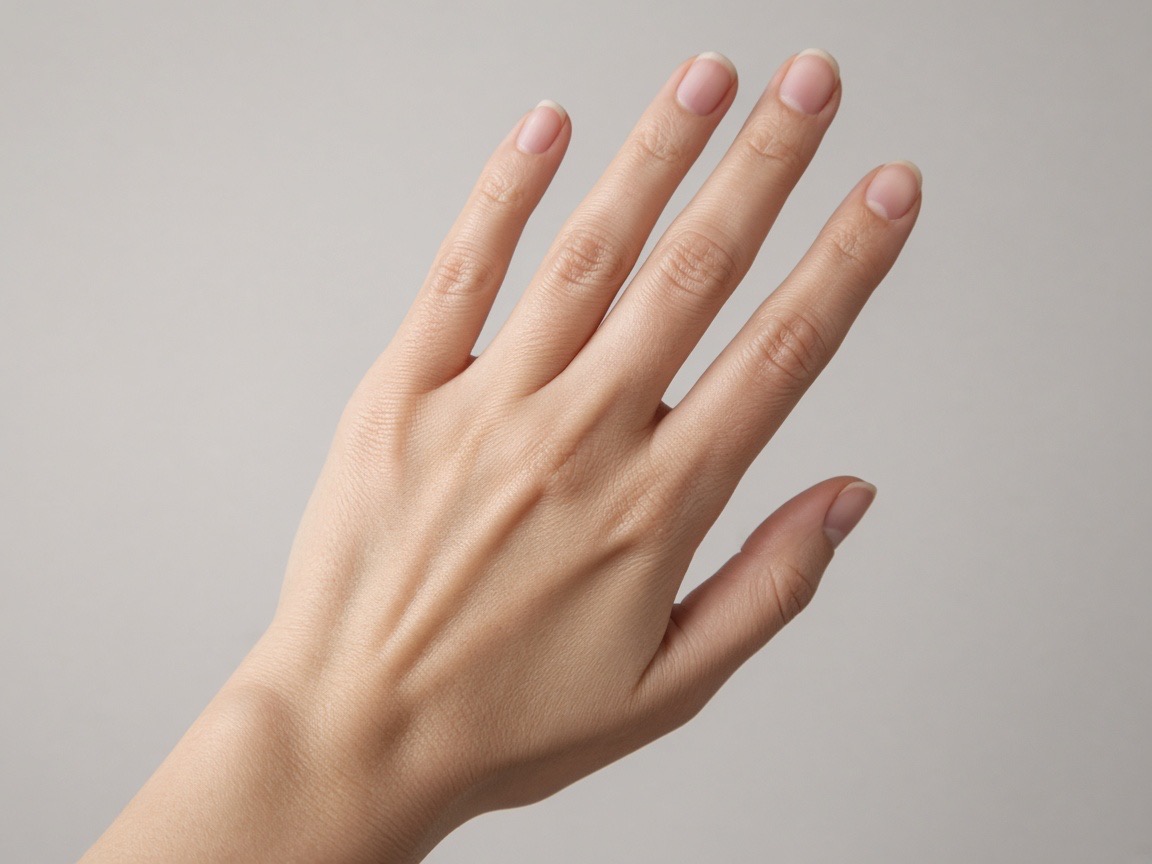
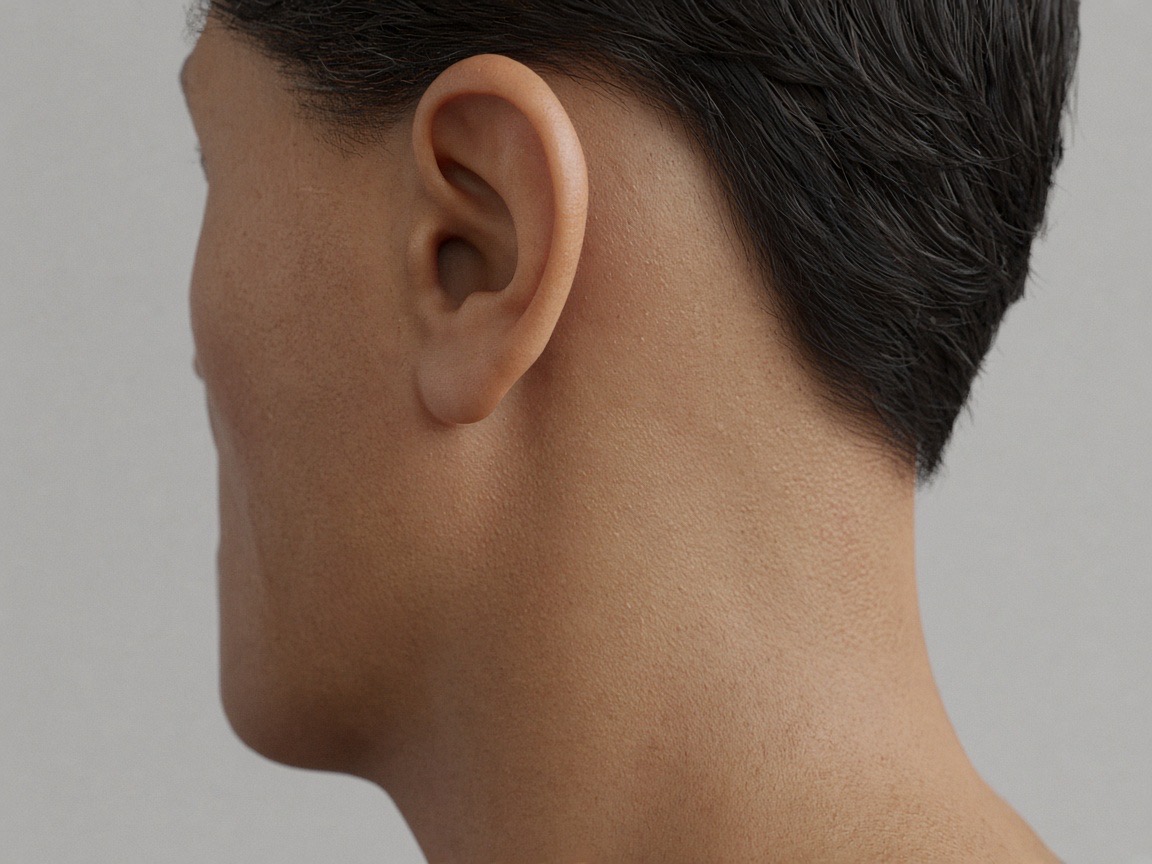
Preview the placements discussed
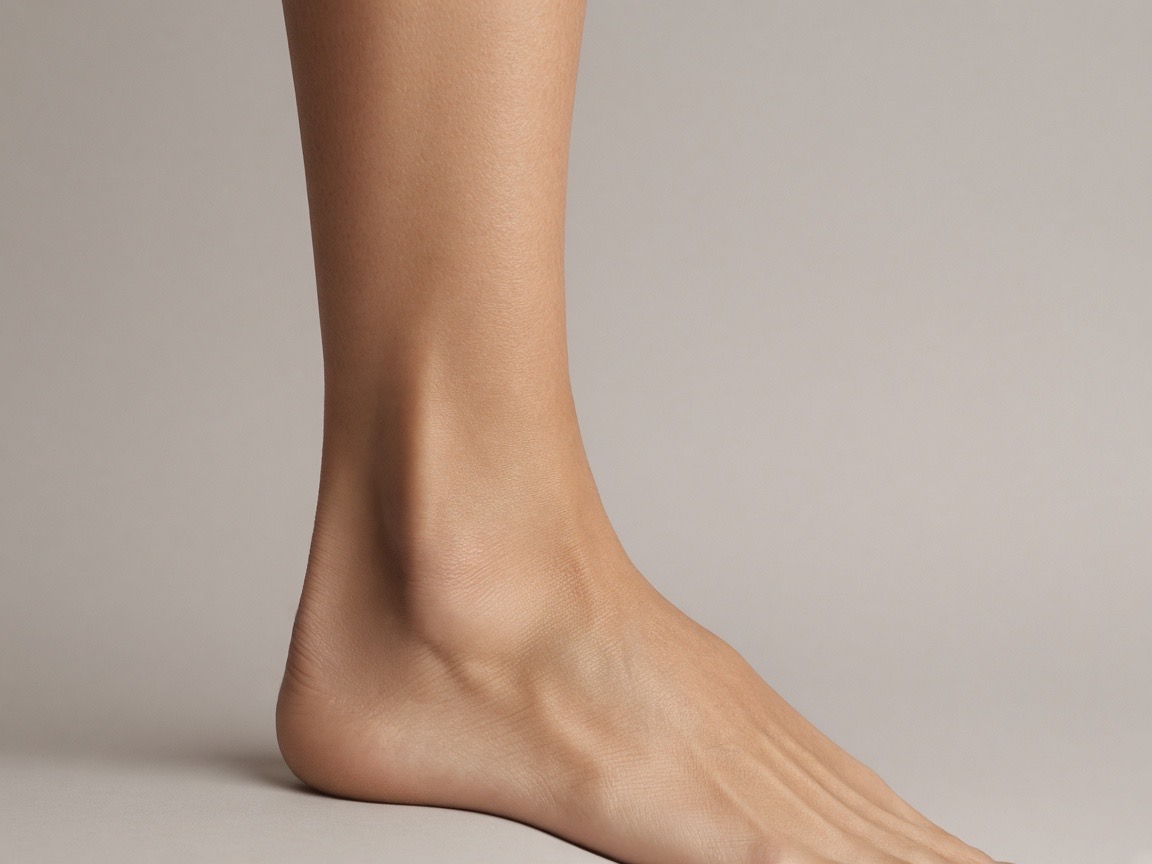
Try it on your own photo
Upload a photo, place a design, then adjust size, angle and opacity. Free, no signup, no watermark, and your photo never leaves your device.
Open the preview tool