
Making a stencil your artist can actually use
Ratios, mirrored text, print settings, and what makes a reference legible to an artist.
5 min read
What is a tattoo stencil for?
A tattoo stencil is a temporary transfer image the artist places on your skin to fix the composition before tattooing. A reference image you bring from home is not a stencil, but it serves a similar planning purpose: it tells the artist the layout and scale you want. Artists use it to check proportion, then redraw the linework in a style that works as ink.
Try it while you read
Use the tool below to upload a photo and place a design at the size discussed here. Free, no signup.
Open the preview toolHow do I make sure the size is right on the stencil?
Always include a physical scale reference in the photo, such as a ruler or a banknote held against the skin, and tell your artist the true measurement. Without one, a reference image can be scaled to any size and nobody can tell whether the design is 8 cm or 20 cm. A ruler in frame removes all ambiguity.
Do I need to mirror text tattoos on the reference?
No. A reference image is viewed, not stamped, so it should read the right way round. Only a physical transfer stencil gets mirrored, because it is pressed face-down onto the skin. If you are designing for a stencil, write the text backwards so it lands correctly.
Frequently asked questions
Try it with these tools
Every tool runs in your browser, is free, and needs no signup.
tattoo simulator
A free tattoo simulator: upload a photo of your skin, place any design and simulate size, angle, opacity and ink fade before you get inked. No signup, no watermark, runs in your browser.
tattoo try on
Try a tattoo on your own photo before you get inked. Upload a photo, tap a design, adjust size and angle, download free. No signup, no watermark, photos stay on your device.
tattoo visualizer
Visualize a tattoo design on your body with measured, true-to-scale templates for 14 placements. See size, angle and ink density, then download a PNG. Free, no signup.
tattoo on body
See how a tattoo looks on your body before you commit. Upload a full-length or close-up photo, place the design, and judge scale against your own frame. Free, private, no signup.
tattoo creator
Create a custom tattoo: combine artwork, script text and layers into one composition, then preview it on your own photo at true scale. Free to design and download, no signup.
free tattoo generator
A free tattoo generator with no signup and no watermark. Combine designs and script, place them on your photo at true scale, and download as PNG. Optional paid AI renders, free overlay editor.
ai tattoo generator
An AI tattoo generator that turns your placement mockup into a realistic photo of healed ink with skin texture and lighting. Made with Google Nano Banana. Overlay editor stays free.
tattoo preview
Preview any tattoo on your own photo. 14 measured body part templates, script text, multiple layers, centimetre scale readouts and free PNG export. No signup, no watermark.
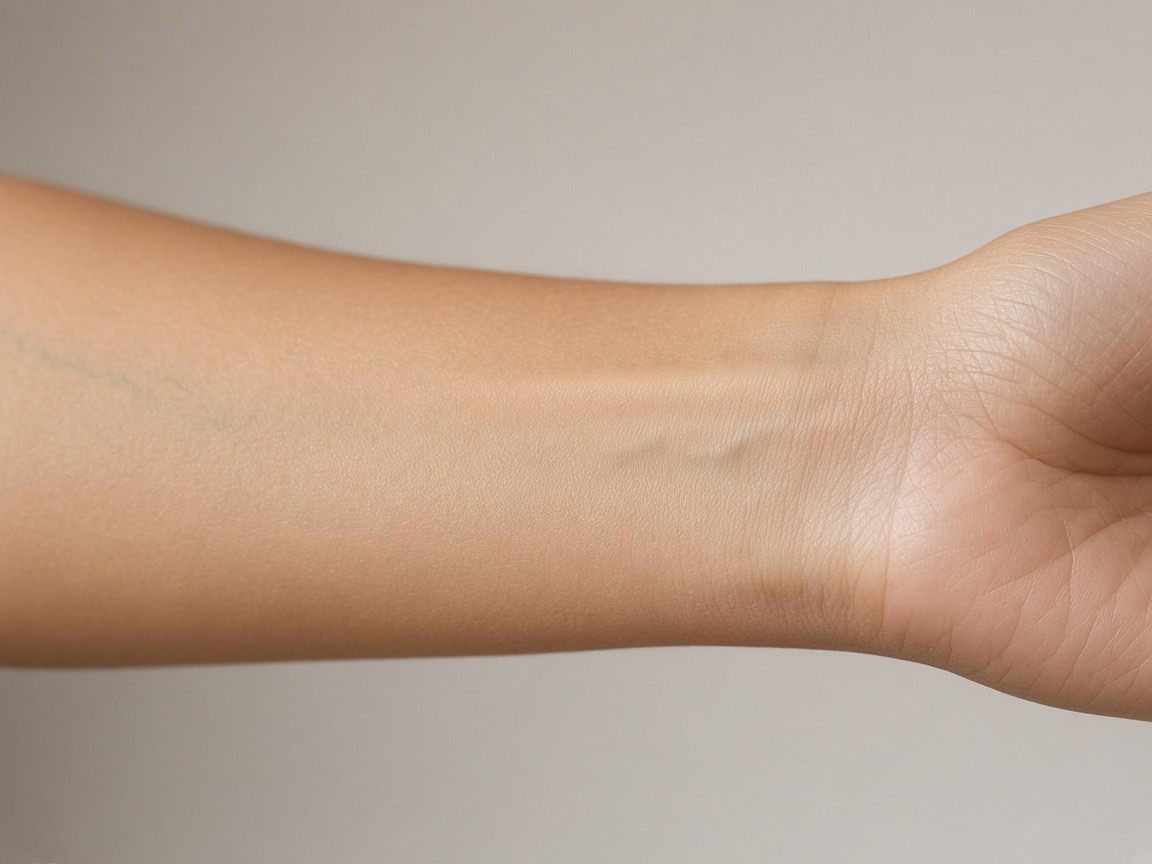
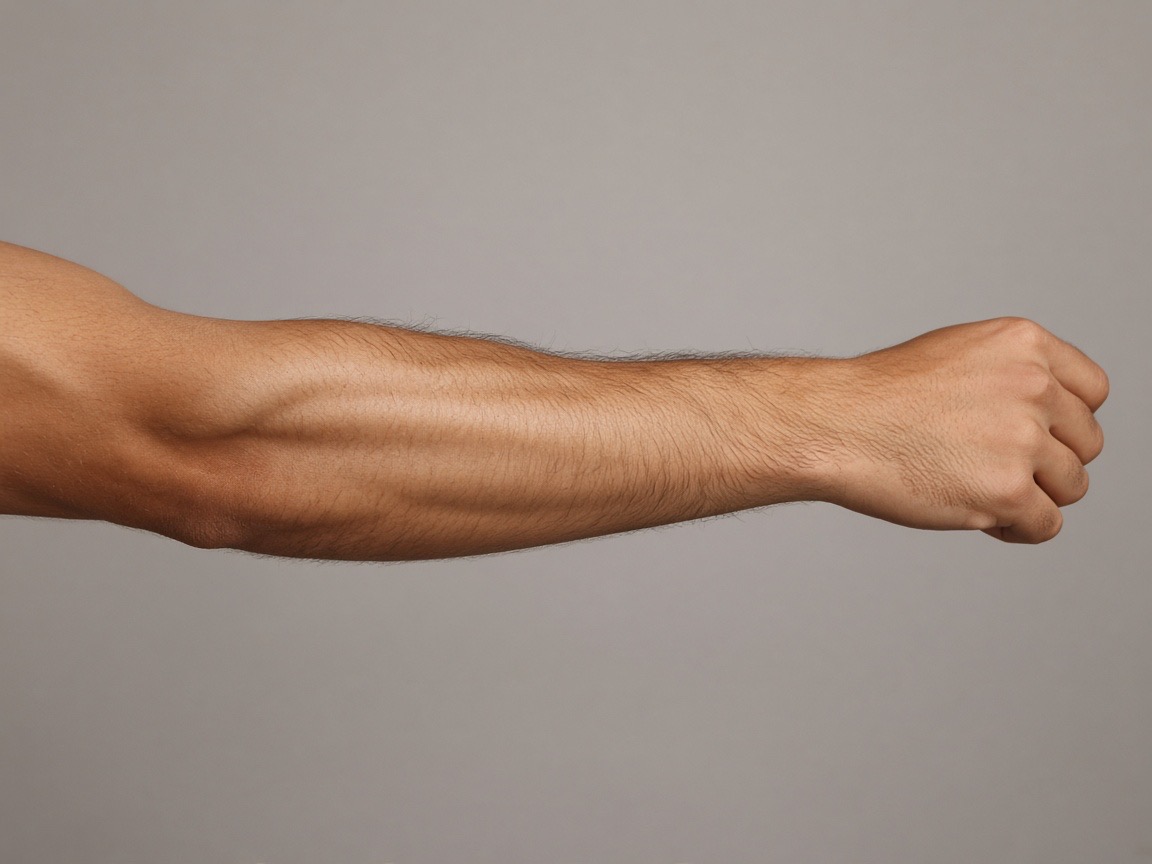
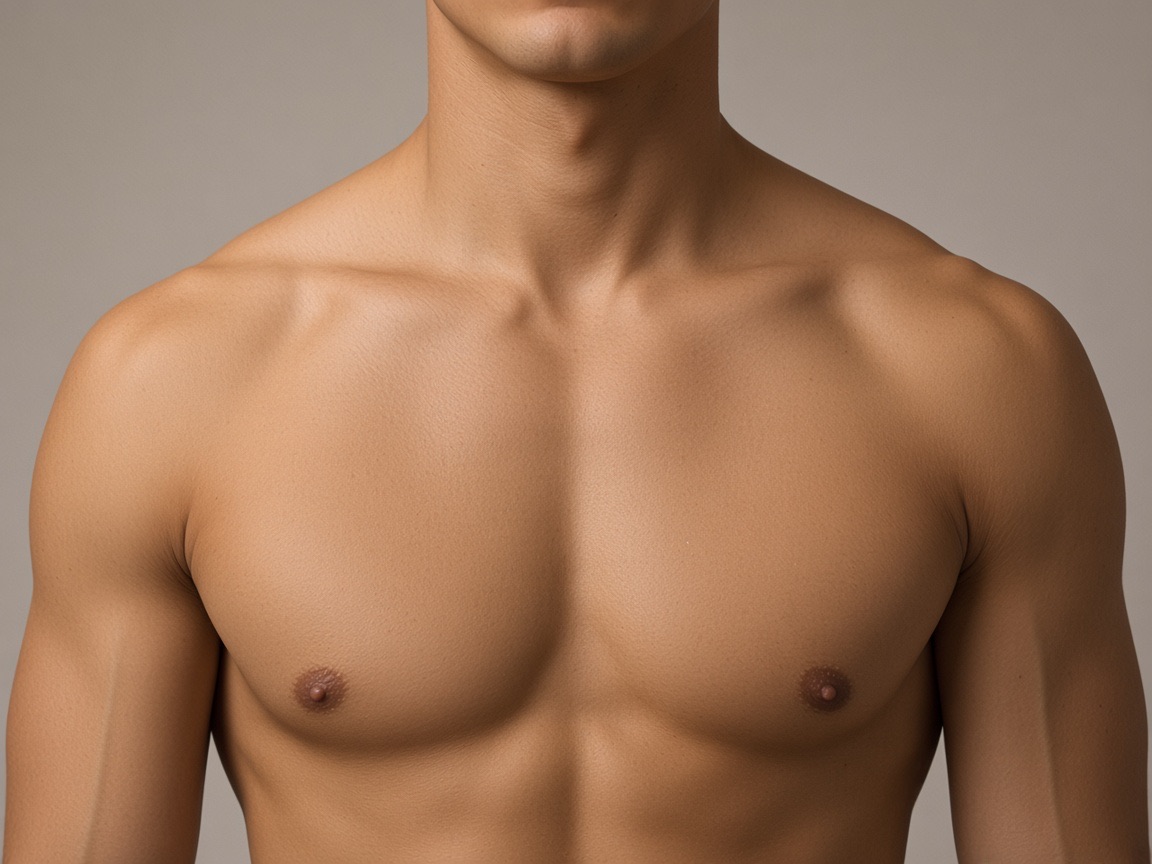
Preview the placements discussed

Try it on your own photo
Upload a photo, place a design, then adjust size, angle and opacity. Free, no signup, no watermark, and your photo never leaves your device.
Open the preview tool